以折扣价安全购买Grand Theft Auto Franchise 游戏商品
Gameflip 市场提供多种Grand Theft Auto Franchise 游戏商品 {specic_items} 商品可供选择,并可直接从其他游戏玩家处获得折扣。
只需使用我们的网站或免费的移动应用搜索或浏览Grand Theft Auto Franchise 游戏商品。我们的市场上有许多卖家可供选择。您可以选择卖方提供的交货方式和时间范围。 有疑问吗?只需向卖家询问更多信息,即可帮助您做出更明智的购买。
凭借Gameflip保证承诺,您可以放心地购买Grand Theft Auto Franchise 游戏商品或退款。 还有其他问题吗? Check out our help guide for buying in-game items.
您可以在 Gameflip 上为 GTA 游戏购买哪些游戏内物品?
Gameflip 是购买整个 Grand Theft Auto 系列游戏内物品的终极市场。无论您是在寻找 GTA 在线现金、稀有车辆还是改装账户,我们都能满足您的需求。每个主要 GTA 游戏的热门类别包括:
Grand Theft Auto Franchise 标题
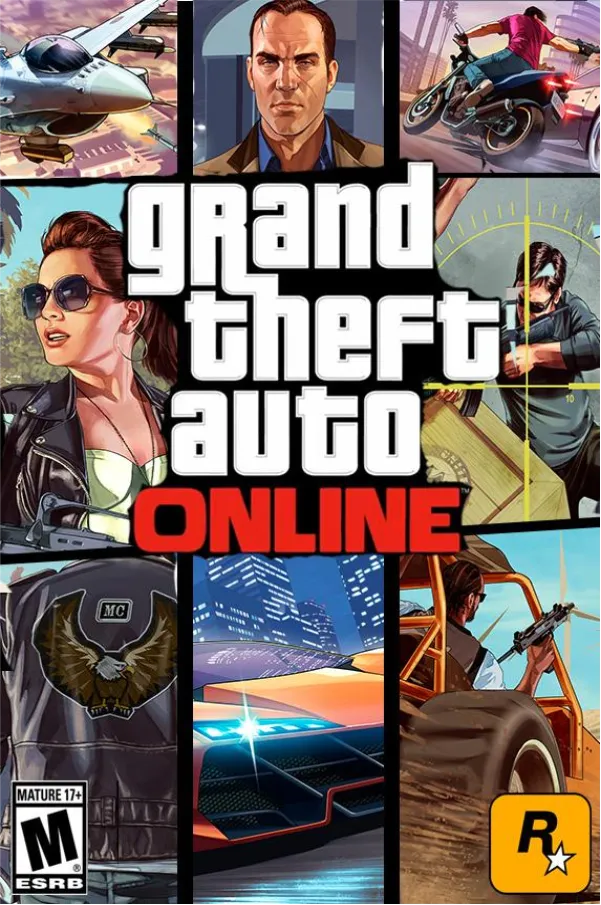

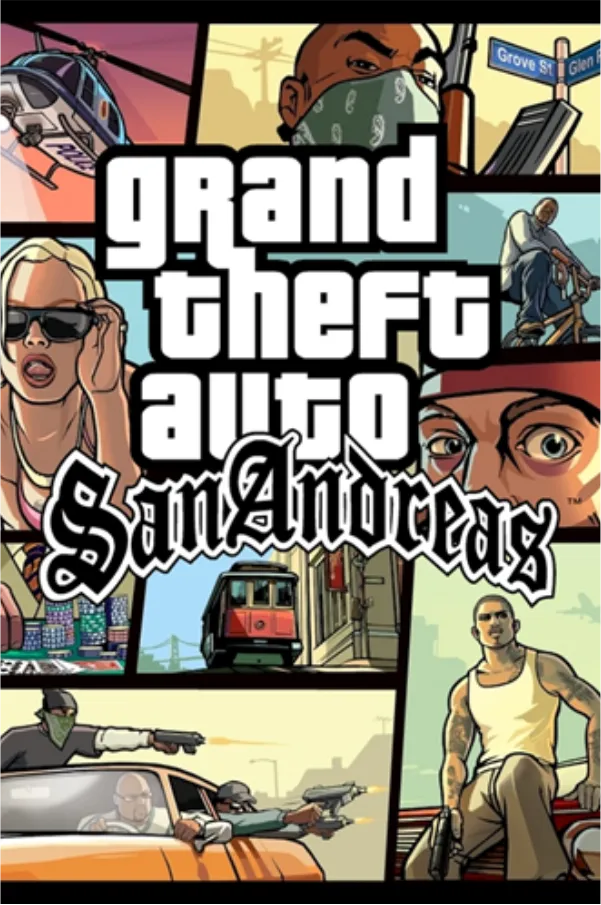


立即购买Gta game items项目
如何在 Gameflip 上购买 GTA 游戏内物品
1. 浏览我们为您的游戏提供的丰富 GTA 产品选择或使用搜索栏
2. 点击列表查看详细信息、照片和卖家评分
3. 将商品添加到购物车并继续安全结账
4. 完成付款并收到商品,通常只需几分钟即可通过游戏内交付或账户转账完成
使用 Gameflip,扩充您的 GTA 收藏或通过额外的游戏内物品赚取现金从未如此简单。立即开始买卖,以最优惠的价格购买传奇系列中的 GTA 商品!如果您有任何问题,请告诉我们 - 我们将竭诚帮助您充分享受 GTA 游戏体验。
怎么运行的
1. 找到它
从我们的广泛选择中搜索或浏览Gta game items game-items。每天检查重大优惠。
2. 买它
比较价格,询问卖家问题,并在您准备好时购买
3. 完成交易
收到物品并完成交易。 您还可以选择对卖家进行评分。
买家的Gameflip好处
安全和安全
Gameflip保证不会对您造成任何额外费用,因此您将获得所述的物品或退款。
充满信心地购买
您可以比较价格,查看评级和评论,甚至直接与每位卖家进行谈判,以便在购买时获得最佳交易。
从任何地方购买
无论您在iOS和Android应用程序处于何处,都不要错过伟大的优惠。我们是PC或手机上唯一的数字市场。

本节的文章
如何购买 GTA V 鲨鱼卡?
1. Access the Store: Whether you're on GTA V PC, GTA V PS4, or GTA V Xbox, start by launching GTA V and navigating to GTA Online. Once in the game, open the pause menu and select the "Store" tab.
2. Choose Your Shark Card: Browse through the available Shark Cards and select the one that suits your needs. Options range from the Red Shark Card ($100,000) to the Megalodon Shark Card ($8,000,000).
3. Complete the Purchase: Follow the on-screen instructions to complete the purchase through your platform’s store (PlayStation Store, Microsoft Store, or Steam). Your in-game cash will be added instantly to your GTA Online account.
How to Sell GTA Items on Gameflip?
2. Click "Sell" and select the GTA game and item type you want to list
3. Enter your product details, photos, price and delivery method
4. Publish your listing and wait for a buyer
5. Deliver the sold items to the buyer and confirm the sale to get paid
有多少款 GTA 游戏?
哪些 GTA 游戏具有在线多人游戏功能?
• GTA IV:引入了多人游戏模式,包括团队死亡竞赛和自由漫游。
• GTA V:通过 GTA Online 扩展了这一概念,通过抢劫、竞赛和各种游戏模式提供了全面的多人游戏体验。
• GTA San Andreas:以双人合作模式为特色,但与后来的在线产品相比有所限制。
GTA VI 预计将延续这一传统,很可能建立在 GTA Online 的成功之上。
我可以在 GTA 在线购买和出售什么东西?
1. 车辆:购买和定制车辆,然后在洛圣都改车行出售以获取利润。
2. 财产:购买公寓、车库和产生被动收入的企业。财产可以通过游戏内网站出售。
3. 武器升级:使用皮肤和附件定制您的武器库,使您的武器在战斗中更有效。
4. GTA V 鲨鱼卡:购买鲨鱼卡可立即增加您的游戏现金余额,让您无需磨练即可购买高端物品。
如何在 GTA V 中检查您的进度?
1. Access the Menu: Open the main menu and navigate to the “Stats” tab.
2. Review Your Achievements: Here, you can view your current level, completed missions, and other achievements. Detailed statistics such as kill-death ratios, mission completion rates, and overall progress can also be found in this section.
3. Specific Game Modes: For more detailed stats, visit the specific game mode sections like GTA Online or Story Mode to see your progress in various activities.
在哪里可以找到 GTA V 的更新和补丁?
1. 启用自动更新:确保您的游戏设置为通过控制台或 PC 设置自动下载更新。
2. 手动检查更新:在 PlayStation 和 Xbox 上,您可以通过游戏的选项菜单手动检查更新。在 PC 上,更新通常通过 Steam 或 Rockstar Launcher 等平台处理。
3. 随时了解最新信息:关注 Rockstar 的官方渠道,包括社交媒体和他们的网站,了解有关新补丁、更新和即将推出的内容的公告。