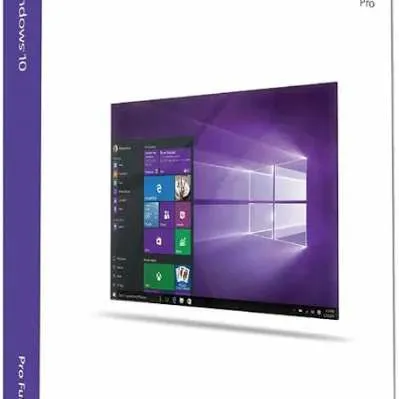

WINDOWS 10 PRO PRODUCT KEY


Here's the steps to activate the PRODUCT KEY you bought in my shop:
DOWNLOAD LINK 32BIT & 64BIT:
https://www.microsoft.com/en-us/software-download/windows10ISO
ACTIVATION GUIDE:
(PLEASE READ CAREFULLY):
1. Click the Start button, then select the Settings menu (On the left, Gear icon)
2. Select the last menu, namely Update & Activation
3. Select the Activation menu
4. Look at the top, if you have Windows 10 Pro, directly click Change Product Key, and paste the Product Key above (in the table)
5. If the version is still Windows 10 Home, Enterprise, Home Single Language, etc., please upgrade to Pro first. The method:
Keep clicking Change Product Key, and paste one of the following licenses first:
DPBKV-YNHV9-KXMHD-HMGJK-Y7V26
MNR9R-KWT6X-H9263-VCMG6-YG9TT
Note: these 2 keys are for upgrades only, not purchased keys.
6. If you have successfully upgraded and changed to Windows 10 Pro, Change Product key again and Paste the Product Key in the table above.
7. If there is a notification failed to activate, you must turn off the firewall, antivirus, and proxy.
If you have successfully activated it,
Please immediately to be willing to press the Confirm Accept Button. And don't forget to leave a rate for my shop. Thank you!
Load more...
Questions are public and asked by users, not Gameflip. Stay safe by not sharing personal information like your name, payment information and game platform accounts.