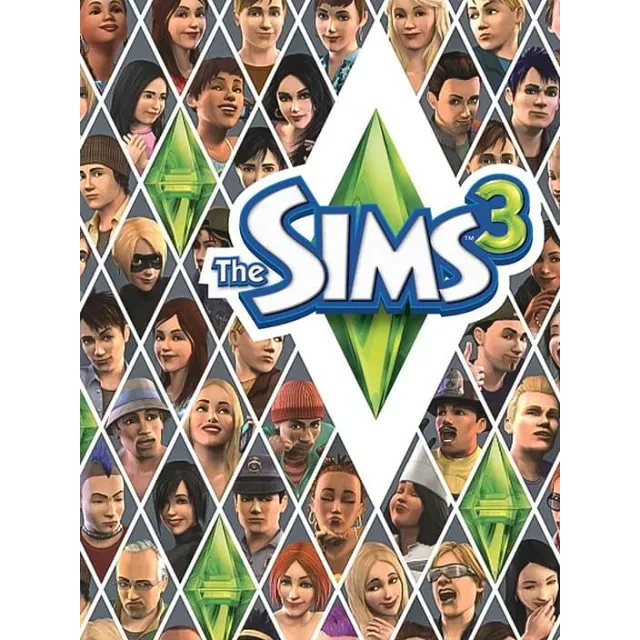
The Sims 3 – PC EA App / Origin Key



Get the item as described or your money back.
[WARNING: Stay safe! Deals made outside Gameflip aren’t protected. Always trade and chat within Gameflip.]
⚠️ Important Notice
If you have any questions or concerns about the product, please feel free to contact us and ask before making your purchase. We are here to help!
🔥 Product Features
🔸 Global Edition: Region-free key with no restrictions—activates anywhere in the world.
🔸 Limitless Customization: Shape your characters' features and choose from distinct personality traits such as a "Hopeless Romantic", "Evil Genius", or "Kleptomaniac".
🔸 Explore Open Neighborhoods: Visit your neighbors, go on dates in town, or explore various interactive locations beyond your doorstep.
🔸 Official Platform: Activates directly on the official EA App (formerly Origin) platform.
🔸 Multi-Language Support: Play in Russian or English.
📌 Important Rules
❗ Please Note: This product is a digital activation key for the EA App / Origin platform on Windows. It cannot be used on Steam.
❗ Keys purchased by mistake cannot be exchanged or refunded.
❗ Make sure your PC meets the game's system requirements before buying.
📋 Activation Instructions
1️⃣ Install the App: Download and install the EA App / Origin client from the official website (https://www.ea.com).
2️⃣ Launch and Sign In: Open the EA App and log into your account, or create a new one.
3️⃣ Activate the Key: Locate the "Redeem Code" (Активировать код) section and enter your purchased key.
4️⃣ Download and Play: Once activated, the game will appear in your library and is ready to download and play!
The Sims 3 | EA App Key | Origin CD Key | PC Simulation Game | The Sims Series | Global Region Free | Russian Language | Digital Key | PC Activation | Life Simulation
Load more...
Questions are public and asked by users, not Gameflip. Stay safe by not sharing personal information like your name, payment information and game platform accounts.
Login to comment