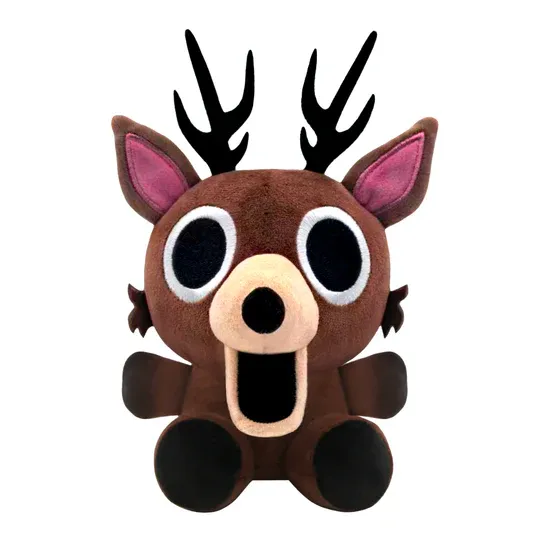
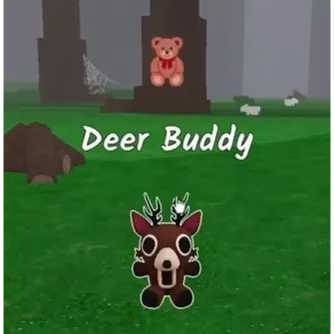
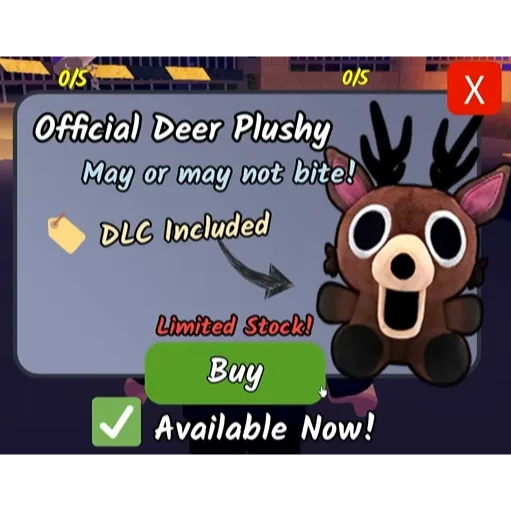
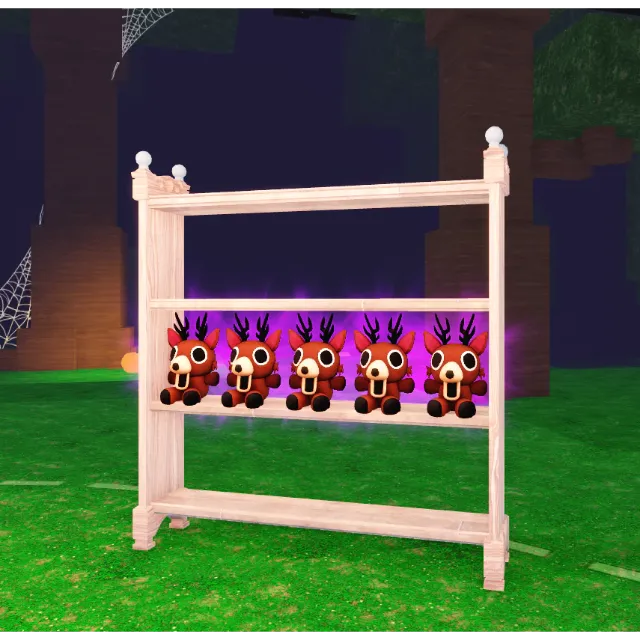
The Deer Plush! DLC - 99 Nights in the Forest



Get the item as described or your money back.
99 Nights in the Forest (CODE ONLY)
You're gonna get the exclusive item "Dear Buddy" in 99 Nights in the Forest.
To activate the Roblox 99 Nights in the Forest DLC, follow these steps:
Mobile Steps:
1. Redeem your code through the Official Merch DLC Code Redemption.
2. You must enter the game within 24 hours of redeeming a code, or the code will expire and need to be re-entered!
PC Steps:
1. Log on to the Roblox account you wish to receive your DLC on, then open the 99 Nights in the Forest game.
2. Navigate to the Buy Diamonds window by clicking the diamonds icon in the bottom-left of your screen.
3. Click the Codes button in the bottom-right of this window. In the Enter Code pop-up, check the "Merch" box, then type your DLC code and click Submit. Congrats! Your DLC has now been awarded to your account.
Ignore (Tags):
toy code, series, exclusive, limited, toy, code, 99 Nights in the Forest, 99 Nights, DLC, Deer Plush
Load more...
Questions are public and asked by users, not Gameflip. Stay safe by not sharing personal information like your name, payment information and game platform accounts.

Login to comment