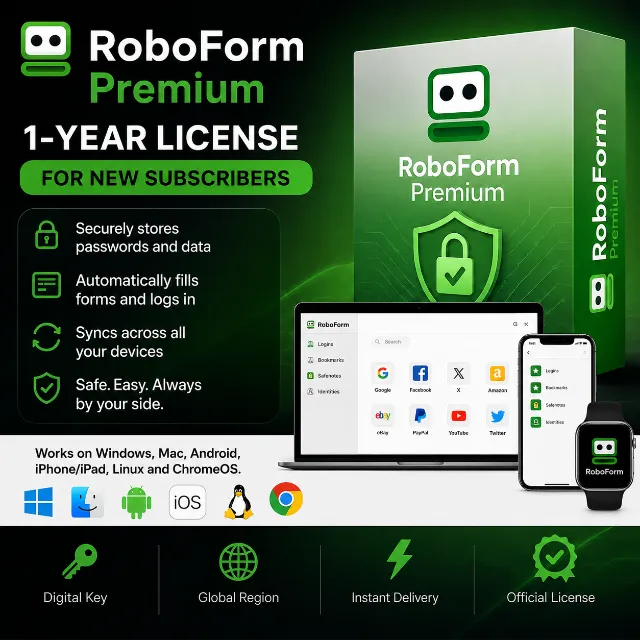

RoboForm Premium | 1 Year | License | For New Subscribers


Instant delivery

[WARNING: Stay safe! Deals made outside Gameflip aren’t protected. Always trade and chat within Gameflip.] Upon purchase, you will receive an activation key for a 1-year RoboForm Premium license.
***Please note: The key is valid only for new RoboForm subscribers. If you already have an active Premium or Business license, the key will not work on your account.***
You can use RoboForm Premium on Windows, Mac, Android, iPhone/iPad, Linux, and ChromeOS.
RoboForm Premium is a paid subscription for a password manager and web form filler. Put simply: while the free version limits you to a single device, Premium removes these restrictions and adds useful features for those who actively use multiple devices or share data with family and friends.
RoboForm Premium Benefits
- Multi-device synchronization. With Premium, you can use RoboForm simultaneously on a laptop, smartphone, and tablet—all your data stays in one place and is accessible everywhere.
- Advanced two-factor authentication (2FA) capabilities. It supports various methods: email, SMS, authenticator apps, Passkeys, trusted devices, and hardware security keys. The app also includes a built-in TOTP authenticator, so there is no need to install a separate app.
- Cloud backup. Your data is automatically saved to the cloud, enhancing security.
- Secure data sharing. You can share not only individual passwords but also entire folders with other users.
- All features from the free version. Password generator, password audit, change history, form autofill, offline access, and 256-bit AES encryption.
RoboForm Premium (like the basic version) supports a wide range of systems, devices, and browsers—this is one of its key features, especially for the Premium subscription, where synchronization across different devices is crucial.
Operating Systems
Windows — includes a dedicated desktop application plus browser extensions. macOS — desktop application and browser extensions.
Linux — works via browser extensions (no standalone native application).
Android — app on Google Play.
iOS — app on the App Store.
RoboForm extensions work on major desktop browsers:
Google Chrome
Mozilla Firefox
Microsoft Edge
Safari (on macOS)
Opera
Brave
Learn more at
https://www.roboform.com/premium
Download
https://www.roboform.com/download
Help with the program
https://help.roboform.com/hc/en-us/articles/115003333228-How-can-I-buy-RoboForm-Premium-as-a-gift
Key activation
1. Create an account
https://online.roboform.com/
2. Go to the key activation section
https://www.roboform.com/php/pums/activate-rf-code.php
3. Enter the purchased key and click Activate
4. Enter your details
If you wish to maintain your privacy,
you can use fake details from this site:
https://www.fakexy.com/
5. Your license is now activated
Enjoy using the application!
Load more...
Questions are public and asked by users, not Gameflip. Stay safe by not sharing personal information like your name, payment information and game platform accounts.
Login to comment