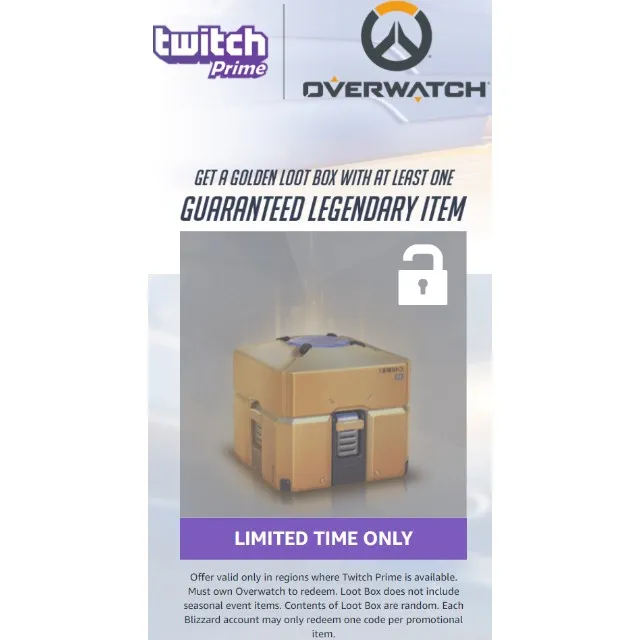

Overwatch - Golden Loot Crate from Twitch Prime #5 [XBOX One, PS4, PC]


WARNING: YOU CAN USE ONLY ONE CODE PER ACCOUNT !!
The code will give you a golden loot box with at least 1 guaranteed legendary item.
GUARANTEE LEGENDARY ITEM
Offer valid only in regions where Twitch Prime is available. Must own Overwatch to redeem. Loot Box does not include seasonal event items. Contents of Loot Box are random.
Q: How do I redeem my code?
1. First, create or log in to your Blizzard account, then go here.
2. Enter your code, then follow the steps for your platform below.
PC Players:
3. Download and install the Blizzard app.
4. Once the Blizzard app launches, click the Overwatch icon.
5. Select your region from the dropdown menu, then click Install.
6. Once installed, click Play and go to the Loot Box section to start digging into your loot!
PS4 and Xbox One Players:
3. Follow these steps to link your Xbox Live or PlayStation Network account to your Blizzard account.
4. On your console, log in to the game and go to the Loot Box section to start digging into your loot!
Once you redeem your Overwatch content it’s yours to keep, subject to any Blizzard rules or policies that apply to the content. Also, note that you have THREE months (starting on 6/20/17) to redeem the code on blizzard.com/code before it expires.
Each Blizzard account may only redeem ONE code per promotional item.
Load more...
Questions are public and asked by users, not Gameflip. Stay safe by not sharing personal information like your name, payment information and game platform accounts.