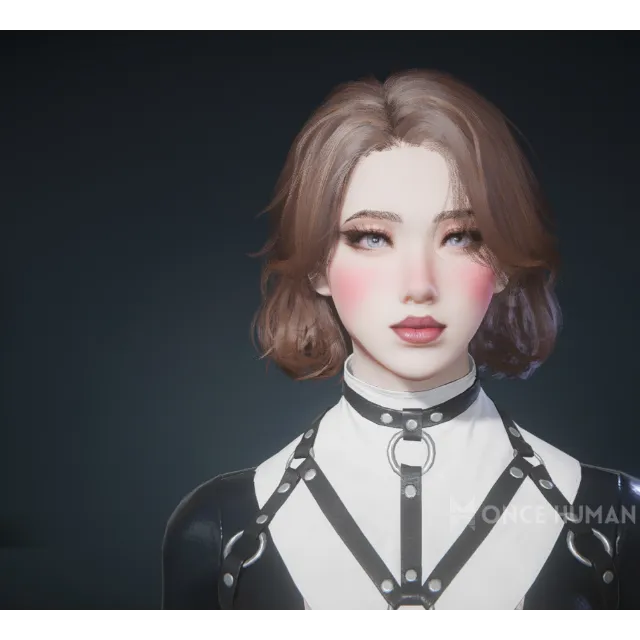
Once Human Female Character QR CODE



Get the item as described or your money back.
SEPARATE HAIRSTYLE, OUTFIT, AND MAKEUP
How to get:
step 1. I will send you an image containing a QR code
step 2. Open Once Human, and go to create a character
step 3. Press the file looking button below "look at"
step 4. Under Import Data, choose either "scan" or "select from album" (album does not always work, if it says invalid, use scan)
step 5. (to properly use scan, you must have the QR code displayed elsewhere, to use album, simply find the image and upload it.)
step 6. (if it saves as a anything other than a .png image) open the image in your files and press edit, then save as a duplicate and save it as a .png
step 7. Enjoy !
⚠ I WILL NOT CONFIRM DELIVERY UNTIL YOU SAY IT WORKED, OCCASIONALLY QR'S BREAK, SHOW ME A PROOF SCREENSHOT OF THE QR NOT WORKING AND I WILL PERSONALLY REDOWNLOAD THE CHARACTER FOR YOU ⚠
Load more...
Questions are public and asked by users, not Gameflip. Stay safe by not sharing personal information like your name, payment information and game platform accounts.
Login to comment