Gift CardNintendo Switch Online 12 Month Family Membership Digital Code USD United States | Automatic Instant Delivery
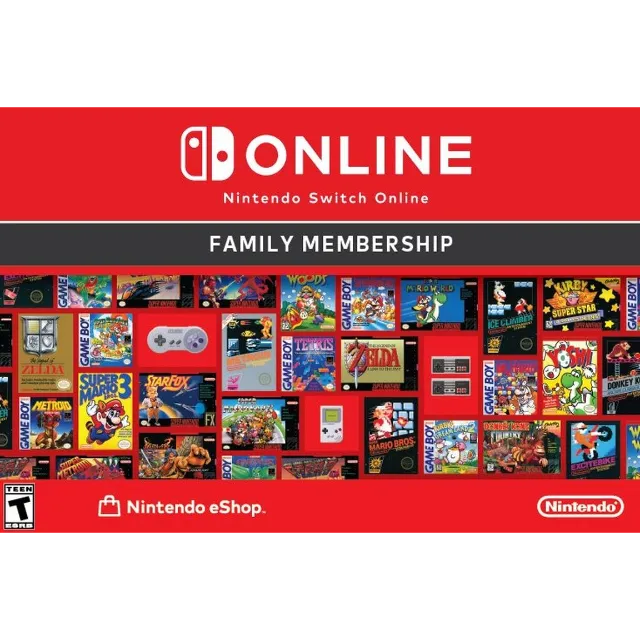
Nintendo Switch Online 12 Month Family Membership Digital Code USD United States | Automatic Instant Delivery


Get the item as described or your money back.
What is Nintendo Switch Online?
Nintendo Switch Online is a paid service that lets members enjoy online play in compatible Nintendo Switch games, access a selection of classic NES™, Game Boy™, and SNES™ games (now with online functionality), back up save data for most games, and more.
Nintendo Switch 2 owners can use the GameChat feature with any Nintendo Switch Online membership as well.
Additionally, Nintendo Switch Online members in the U.S. and Canada can take advantage of exclusive special offers from Nintendo.
Highlights
With a Family Membership, up to eight people can share a Nintendo Switch Online Membership
Play online, discover (or rediscover) the classics, and more with a Nintendo Switch Online membership
Connect with others in compatible games like Mario Kart™ World, Pokémon™ Scarlet, and Pokémon™ Violet
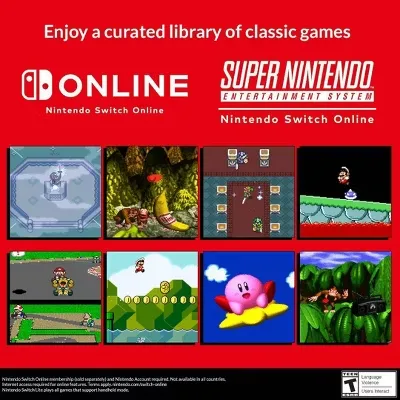
Enjoy over 150 classic games with the NES™, Super NES™, and Game Boy libraries of games
Gain access to special offers like classic-style game controllers to enhance your retro gaming experiences on the Nintendo Switch™ system
Save your game data online for easy access in compatible games
Show off your skills against dozens of players in the Tetris® 99 and F-ZERO™ 99 games—included at no additional cost with a paid Nintendo Switch Online membership
150+ classic NES, Super NES, and Game Boy games at your fingertips
A Nintendo Switch Online membership is the only way to play selected NES™, Super NES™, and Game Boy™ games on the Nintendo Switch™ system. Play old-school favorites like the Super Mario Bros.™ 3, Donkey Kong Country™, and The Legend of Zelda™: Link’s Awakening games.
Even better, these games include added online functionality so you can compete (or cooperate) online with friends depending on the game. Use the included rewind feature to easily rewind gameplay if you make a mistake or just want to retry a section of the game.
Nintendo Switch / Nintendo Switch Lite Redemption Instructions:
Make sure your Nintendo Switch system has the latest system update.
From the Nintendo Switch HOME Menu, select the Nintendo eShop icon.
Select "Enter Code."
Enter your download code and click "OK."
Nintendo.com:
1. Visit https://ec.nintendo.com/US/en/membership
2. Click Enter Code
3. Sign into Nintendo account.
4. Enter the code into the field
5. Click next and follow the instructions
Load more...
Questions are public and asked by users, not Gameflip. Stay safe by not sharing personal information like your name, payment information and game platform accounts.

Login to comment