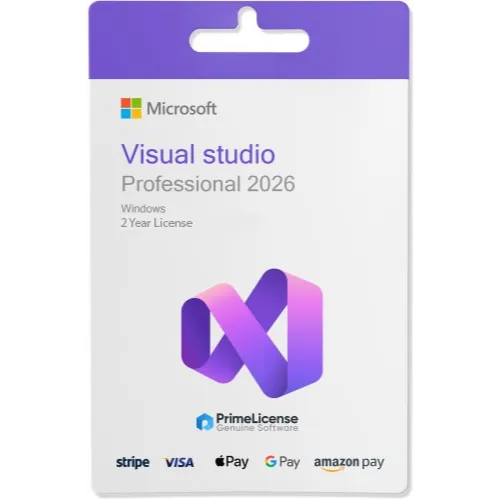
Microsoft Visual Studio 2026 Professional Activation Code for 2 Years / Perpetual for 1 PC



Get the item as described or your money back.
Get the official lifetime license of Microsoft Visual Studio Professional 2026 from a certified reseller!
Buy with confidence. We are a certified Microsoft partner, so we can offer you highly specialized assistance on Microsoft products and qualified support during installation and activation. With an average rating of 4.8/5 on Trust pilot, Google and Trusted Shops, you can count on reliable service and quality support.
With your purchase you will receive:
An original 2 Years license key for Microsoft Visual Studio Professional 2026. Download software from Official website.
Clear installation and activation guides sent immediately on GameFlip message
Microsoft Visual Studio Professional 2026 is a comprehensive IDE designed for professional developers and small teams who need powerful tools to create, test, and deploy applications across multiple platforms. With a one-time purchase, you get access to advanced programming, debugging and collaboration features to speed up the development process.
System requirements: compatible with Windows 10 and later operating system versions
Get your Microsoft Visual Studio Professional 2026 in 3 easy steps
Purchase Microsoft Visual Studio Professional 2026 on Prime License and receive your 2 year license key and activation guide immediately.
Download the official installation file from Microsoft using the secure link provided.
Activate with your key and start working on your development projects immediately.
Key features of the Microsoft Visual Studio Professional 2026 license (2 Years) or Perpetual :
Microsoft Visual Studio 2026 Professional is an advanced IDE with native AI integrations, support for .NET 10, and a modern Fluent UI, ideal for individual developers and small teams. It offers optimized performance (up to 40% faster loads and fewer freezes), extended code coverage for unit tests and tools such as Adaptive Paste to automatically adapt pasted code. Includes enhanced GitHub Copilot for contextual completions, AI debugging and Profiler Agent for automatic optimizations.
Editor and Productivity
Editor supports enhanced IntelliSense, refactoring, code navigation and 11 new customisable themes, with shortcuts such as Ctrl+W to close tabs and "Did You Mean?" search for inaccurate queries. It integrates Mermaid for Markdown diagrams and reliable Hot Reload for .NET, Razor and C++20/26.
Debugging and Testing
Advanced debugger with breakpoints, memory profiling and AI diagnostics for root causes; code coverage measures testing effectiveness on all Professional editions. Integrated Git tools handle commit, branch and pull requests, with inline Markdown comments.
Languages and Platforms
Native support for .NET 10, C# 14, C++26, web/cloud development (Docker, Azure base), mobile apps and Teams/M365 agents. VS2022 compatible extensions and workloads for .NET, C++, web
Load more...
Questions are public and asked by users, not Gameflip. Stay safe by not sharing personal information like your name, payment information and game platform accounts.
Login to comment