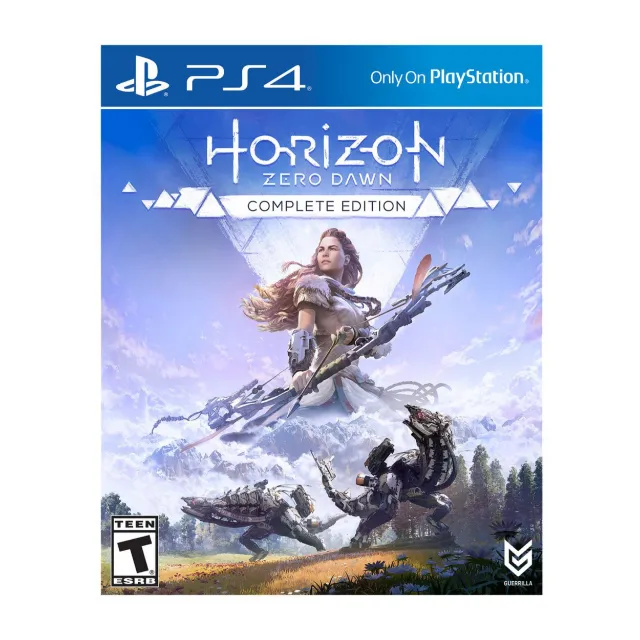

Horizon Zero Dawn Complete Edition PS4 digital code US/Canada


ONLY FOR US/CANADA PSN ACCOUNTS
PS4 Console:
1. Log into your PSN (PlayStation Network) account.
2. Click on the “Playstation Store” icon.
3. From the menu on the left, select “Redeem Code”.
4. Enter the code you received and continue with the prompts.
5. You can download your game onto your system now, or at any time from the “Purchased” tab under “Library”.
Web Browser:
1. Open your web browser, follow this link (https://store.playstation.com/), and log into your PSN account
2. Click on the “Account” tab, and then select “Redeem Prepaid Card” from the menu on the left.
3. Enter code you received . Scroll to the bottom and click “Redeem”.
4. You can navigate to the “Media” tab to ensure your content is now available.
Horizon Zero Dawn: Complete Edition includes:
• Full Game
• The Frozen Wilds Expansion
• Digital art book
• PS4 Dynamic Theme
• Bonus Weapons, Outfits, and Resources*
Load more...
Questions are public and asked by users, not Gameflip. Stay safe by not sharing personal information like your name, payment information and game platform accounts.