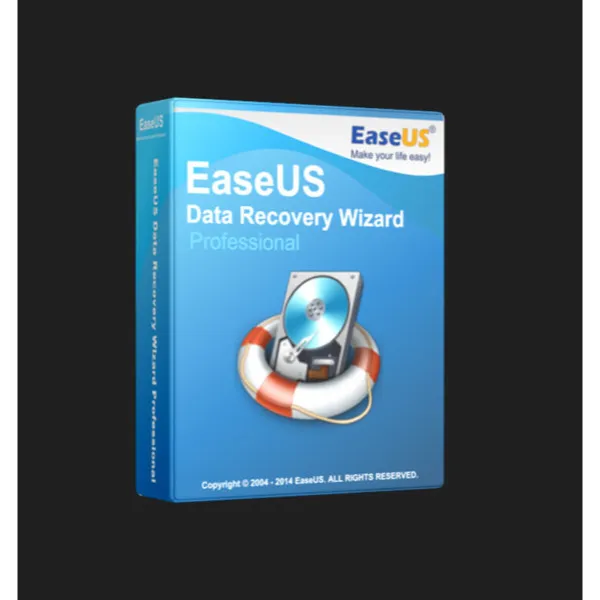

EaseUS Data Recovery Wizard Professional Lifetime


How to Activate Your EaseUS Data Recovery Wizard License Key
Download the Official Software:
Download the official EaseUS Data Recovery Wizard
Install the Software:
Run the installer and follow the on-screen instructions to complete the installation.
Activate Your License:
Open the installed software.
Click the ‘Key’ icon (usually in the upper right corner).
Enter the 25-character license code you received after purchase.
Click ‘Activate’ or ‘Upgrade’ to unlock the full version.
You can activate your license on any official installation of the software.
Important Information
Compatible with both Windows PC and Mac.
The license is valid for one device and does not expire (lifetime use).
The license key must be entered within the official software to activate.
After purchase, you will receive an email with the official download link, installation instructions, and your license key.
This license is valid worldwide and works with the latest official version of EaseUS Data Recovery Wizard.
If you encounter any issues during activation, ensure you have copied the license code correctly (no extra spaces) and that you are using the latest version of the software. For further assistance, contact EaseUS customer support.
Load more...
Questions are public and asked by users, not Gameflip. Stay safe by not sharing personal information like your name, payment information and game platform accounts.