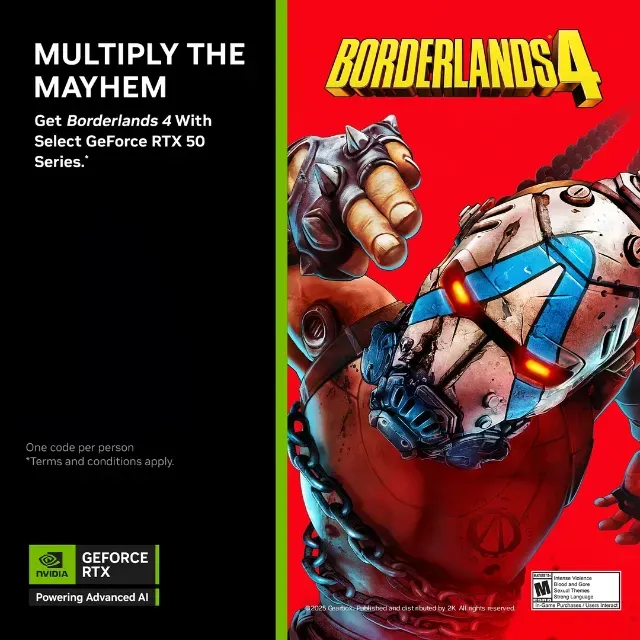

Borderlands 4 Standard Edition NVIDIA KEY (STEAM) (ONLY FOR RTX 5090, 5080, 5070 Ti, 5070)


Valid on NVIDIA GeForce RTX™ 5090, 5080, 5070 Ti, 5070 desktop system or graphics card, or laptop with a GeForce RTX™ 5090 Laptop GPU, RTX 5080 Laptop GPU, RTX 5070 Ti Laptop GPU, RTX 5070 Laptop GPU. Start Date: 8/18/25 End Date: 9/22/25 Redemption Period End Date: 10/22/25
Borderlands 4 game code I received when buying a 5080. Must be redeemed in the Nvidia app.
For those who already own one of the following graphics cards: RTX5070, 5070Ti, 5080, 5090
Instructions to activate game code:
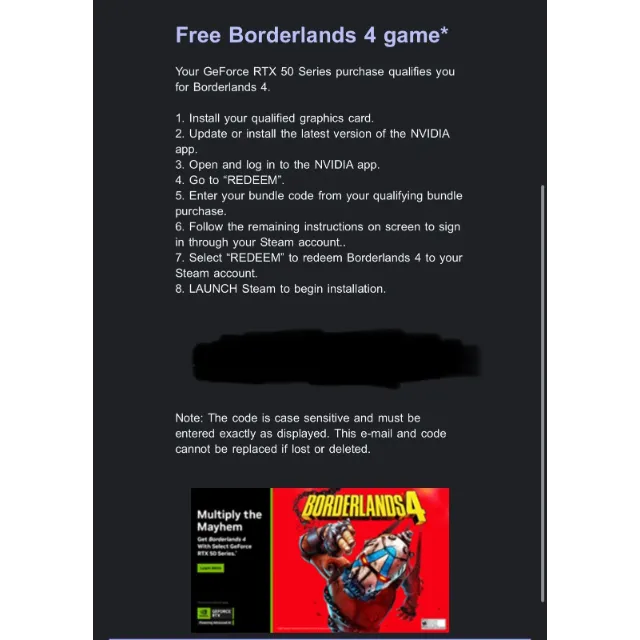
Borderlands 4 GeForce RTX 50 Series Bundle Redemption Instructions
Redeem your coupon through the NVIDIA App
To redeem your promotional code for Borderlands 4 you must have the NVIDIA app and a Steam account. Please follow the steps below:
Install your qualified graphics card.
Update or install the latest version of the NVIDIA app.
Open and log in to the NVIDIA app.
Go to “REDEEM”.
Enter your bundle code from your qualifying bundle purchase.
Follow the remaining instructions on screen to sign in through your Steam account.
Select “REDEEM” to redeem Borderlands 4 to your Steam account.
LAUNCH Steam to begin installation.
Load more...
Questions are public and asked by users, not Gameflip. Stay safe by not sharing personal information like your name, payment information and game platform accounts.