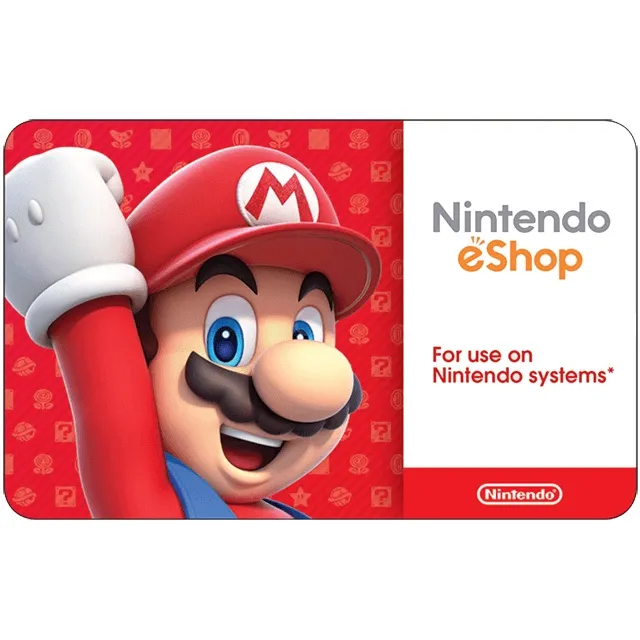

$100.00 Nintendo eShop


How to Redeem a Nintendo eShop Gift Card in Canada
1. Access the Nintendo eShop
• On your Nintendo Switch: Open the Nintendo eShop icon from the Home menu.
• On a browser: Go to https://ec.nintendo.com/redeem and sign in with your Nintendo Account.
2. Sign In (If Needed)
• Make sure you’re logged into the Nintendo Account where you want to redeem the funds.
3. Choose “Enter Code”
• On Switch: Select your user profile, scroll down the left-hand menu, and choose Enter Code.
• On the website: You’ll see a field to enter your code right away.
4. Enter Your 16-Digit Code
• Carefully type the code from your gift card or email.
• No spaces or dashes are required.
5. Confirm and Add Funds
• Select OK or Next to apply the balance to your account.
• The funds will be available immediately for purchasing games, DLC, or subscriptions (like Nintendo Switch Online).
Load more...
Questions are public and asked by users, not Gameflip. Stay safe by not sharing personal information like your name, payment information and game platform accounts.