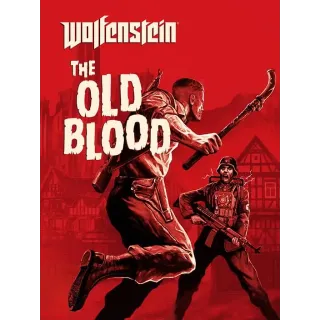
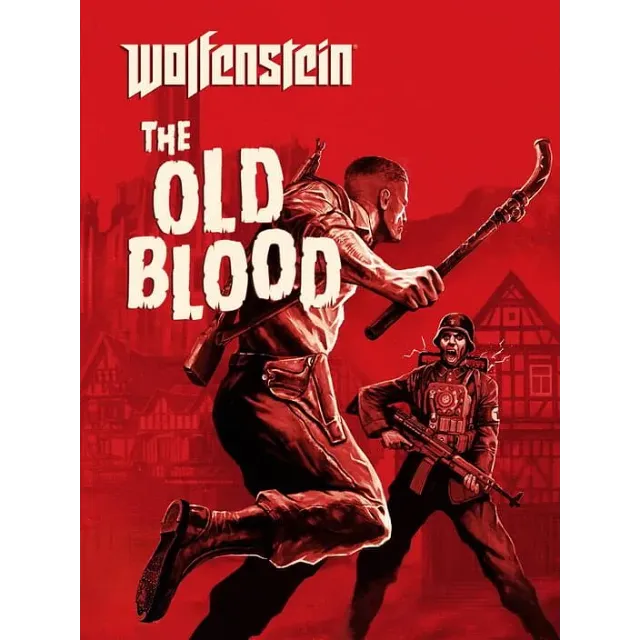

Wolfenstein: The Old Blood PC KEY Microsoft Store


Instant delivery

After payment you will receive a key
From the Microsoft Store:
To claim the game, open a Windows 10 or 11 device and search for "Microsoft Store".
Ensure that you are signed into the Microsoft Store under the account you wish to play Wolfenstein: The Old Blood, then select the Account button in the upper-right corner, next to the search bar.
A menu will open with the option to "Redeem code or gift cards".
Select that option, input the 25-character code, and click "Next" to link the content to the account.
Wolfenstein: The Old Blood is a prequel to the critically acclaimed first-person action-adventure shooter, Wolfenstein: The New Order. The adventure, which spans eight chapters and two interconnected stories, features the hallmarks of MachineGames – thrilling action, immersive story and intense first-person combat. As war hero B.J. Blazkowicz, arm yourself with new weapons such as the bolt-action rifle and grenade-launching Kampfpistole as you attempt to thwart the advancing Nazi war machine, and take advantage of duel-wielding pipes that can be used for wall climbing – or for vicious take-downs of never-before-seen Nazi adversaries.
Load more...
Questions are public and asked by users, not Gameflip. Stay safe by not sharing personal information like your name, payment information and game platform accounts.
Login to comment