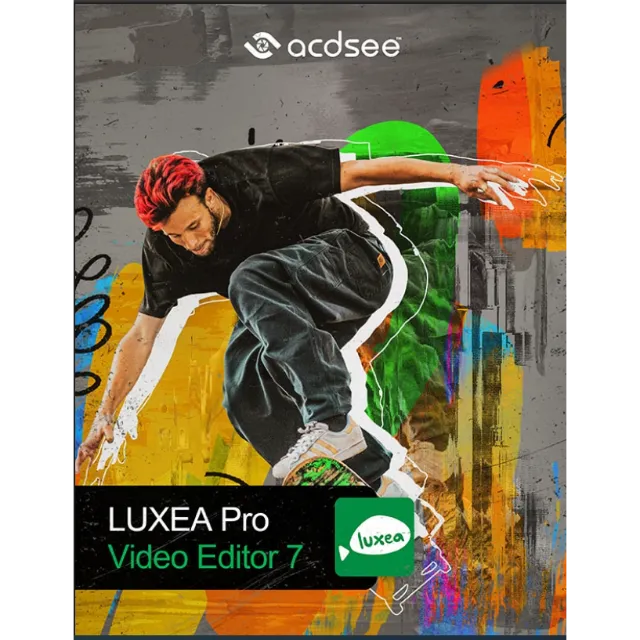
ACDSee LUXEA Pro Video Editor 7 | Windows | Lifetime License



Get the item as described or your money back.
After payment, you will instantly receive a license key for ACDSee LUXEA Pro Video Editor 7.
The key activates a lifetime subscription to the program.
ACDSee LUXEA Pro Video Editor is a great video editor software option for those who want to edit or create high-quality videos without experience. With ACDSee Luxea Pro Video Editor, you will find all kinds of simple and easy-to-use video editing features, such as adding transitions and effects to your video. You simply drag transitions and effects down between clips on the timeline; then ACDSee LUXEA Pro Video Editor automatically handles any overlay needs.
ACDSee LUXEA Pro Video Editor is an easy-to-use video editing software that allows you to record, edit, and publish movies or slideshows, as well as create screencasts thanks to the screen recording feature.
This tool allows you to create as many tracks on this timeline as you need, and conveniently edit and mix video and audio footage.
It also supports videos up to 4K resolution and 60 fps and imports important video, image and audio formats from AVI, MP4, MOV and WMV to JPEG, BMP and GIF to WMA, MP3, AAC and WAV.
In addition, it can be used to add text to videos and slideshows, add subtitles, add green screen and LTU filters to clips, replace colors, change the playback speed or set moving frames.
The software allows users to add text to their videos and slideshows, add subtitles, animate clips with green screen and LTU filters, replace colors, change the playback speed or set moving frames.
It provides features to export the final clips in MOV, WebM, MP4, M4V, GIF or MP3 formats.
Another of the best features is the ability to record the screen at up to 120 fps, with or without recording system sound and voice, in widescreen or custom resolutions.
Language support English, French, Italian, Spanish, Swedish, etc.
Operating system Windows Vista, Windows 7, Windows 8/8.1, Windows 10/11
Program Guide
https://help.acdsystems.com/ja/luxea-pro-video-editor-7/Content/Topics/Welcome.htm
Key activation
1. Register or log in to your account
https://auth.acdid.acdsee.com/?_lang=en
2. Go to the online activation section and enter the purchased key
https://acdid.acdsee.com/online-activation
3. Go to the home page of your account and select the product you need from My plans and products
https://acdid.acdsee.com/
4. Click view more and select Download
5. Download and install the program.
6. After installing the program, enter your login and password and click activate.
7. Enjoy working with the program.
Load more...
Questions are public and asked by users, not Gameflip. Stay safe by not sharing personal information like your name, payment information and game platform accounts.

Login to comment