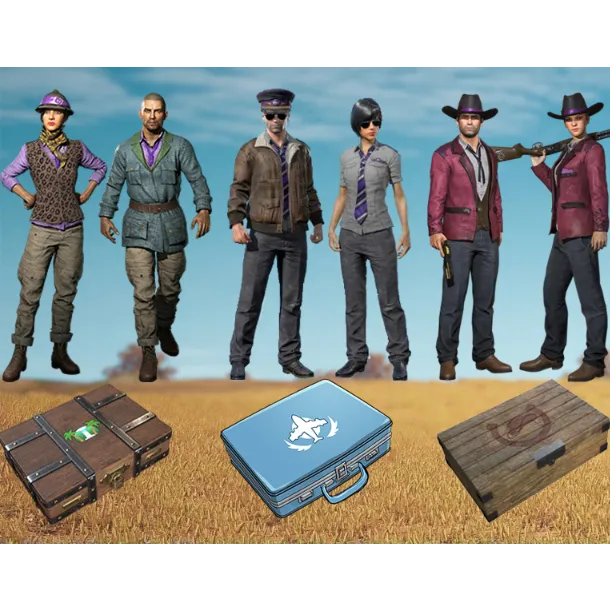

PUBG | Twitch Prime PUBG 3 SETS

2 years ago

How to get Twitch Prime Sets PUBG (INSTRUCTION):
IMPORTANT! YOU NEED MAKE NEW ACCOUNT ON THE SITE pubg.com , FOLLOW INSTRUCTION BELOW.
1. Go to the PUBG site ( https://accounts.pubg.com/register ).
2. Fill in the data for CREATING an ACCOUNT and create account (remember the data).
3. Then confirm EMAIL and sign in to the created account ( https://accounts.pubg.com/login ).
4. Threre you need to bind your STEAM account (if steam account linked to another pubg.com account, u need unlink it), and then TWITCH account according to the data (LOGIN:PASSWORD) you received FROM US.
5. Start the PUBG game, reboot lobby and get a sets (sets will add in your inventory through few minutes).
WHEN YOU GOT SETS, YOU CAN UNBIND STEAM AND THE BOUGHT TWITCH ACCOUNT (login:password).
加载更多...
问题是公开的,由用户而不是 Gameflip 提出。确保安全,请勿透露您的姓名、付款信息和游戏平台帐户等个人信息。