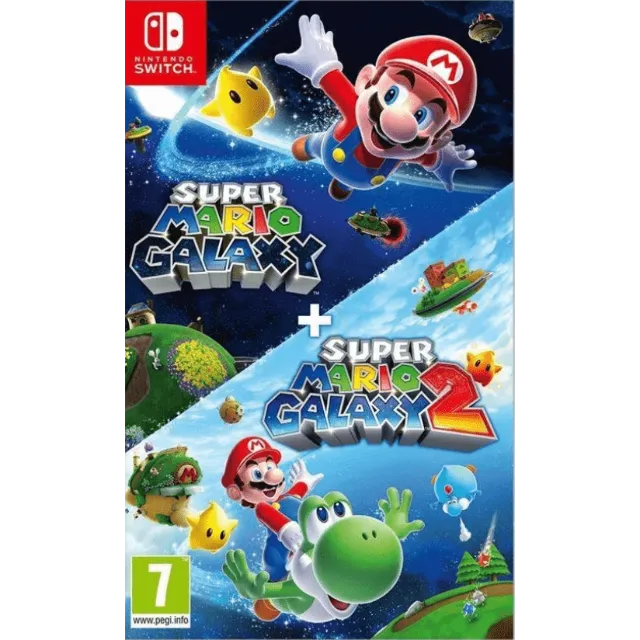
PSuper Mario Galaxy + Super Mario Galaxy 2 Nintendo Switch 2 - Switch Secondaire account


获得与描述相符的商品,否则退款。
[WARNING: Stay safe! Deals made outside Gameflip aren’t protected. Always trade and chat within Gameflip.] [WARNING: Stay safe! Deals made outside Gameflip aren’t protected. Always trade and chat within Gameflip.] 1. Access Settings from the main menu.
2. User Profile > Register a User
3. Settings > User Profile > Select the Super Mario Galaxy game profile > Online License Settings and select YES.
4. Open the Virtual Map menu > Tap the game profile > Tap the game > Options > Download Data (not Load Virtual Map).
IMPORTANT: Once the account is created to download the game, you must not modify or delete any data. This account functions like an inserted disc. If you delete it, you will no longer be able to play. You can delete the account when you are not using the game and recreate it later as many times as you like.
If Nintendo asks you for a security code, you can contact me
加载更多...
问题是公开的,由用户而不是 Gameflip 提出。确保安全,请勿透露您的姓名、付款信息和游戏平台帐户等个人信息。

登录评论