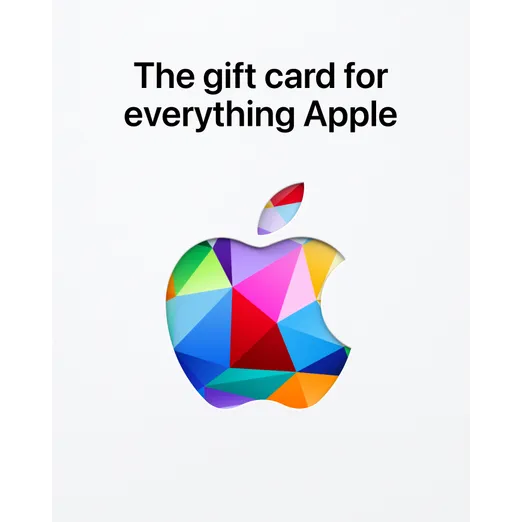

$100 Apple Gift Card US United States Digital Code | Automatic Instant Delivery

3 weeks ago
Redeem your gift card in the App Store or the Apple Music app to use for Apple Account purchases, like apps, subscriptions, and more.
---
1. Redeem a gift card in the App Store on your iPhone
Find the 16-digit code on the back of the card. For some gift cards, you might need to peel or gently scratch off the label to see the code.
2. Open the App Store app.
3. At the top of the screen, tap the sign-in buttonNo alt supplied for Image or your photo.
4. Tap Redeem Gift Card or Code. If you don’t see Redeem Gift Card or Code, sign in with your Apple Account.
5. Tap Use Camera and follow the instructions on the screen. If you have trouble redeeming the card, tap Enter Code Manually, then follow the instructions on the screen.
6. Tap Redeem.
If you have the Apple Account Card in Apple Wallet, the balance will appear in the Wallet app when you redeem a gift card to your Apple Account balance.
----
Redeem a gift card in Wallet on your iPhone
1. Find the 16-digit code on the back of the card. For some gift cards, you might need to peel or gently scratch off the label to see the code.
2. Open the Wallet app.
3. Tap your Apple Account card.
4. Tap the More button, then tap Redeem.
5. Tap Use Camera and follow the instructions on the screen. If you have trouble redeeming the card, tap Enter Code Manually, then follow the instructions on the screen.
6. Tap Redeem.
---
Redeem your gift card online.
1. Visit http://apple.com/redeem
2. Login to your apple account.
3. Enter gift card number
加载更多...
问题是公开的,由用户而不是 Gameflip 提出。确保安全,请勿透露您的姓名、付款信息和游戏平台帐户等个人信息。
