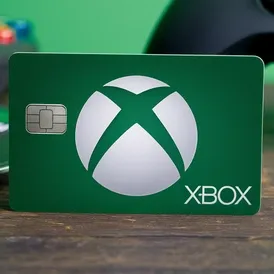

ACTIVATION CARD : XBOX GAME PASS : US/TR


After payment, you will receive a VIRTUAL CARD for activating Xbox Game Pass for PC/ULTIMATE, which can be used up to 5 times
⚠️ These cards are intended exclusively for activating Xbox Game Pass subscriptions.
⚠️ They are not suitable for replenishing the balance.
⚠️ Make sure that your account supports payment by card; otherwise, you will need to create a new account.
✅ To successfully activate the Xbox Game Pass code, the region of your account must be set to the USA or TURKEY.
📝 Instructions for purchasing the product:
1. Make a payment and receive the data for entry on the activation page.
2. Redeem your Xbox Game Pass code on the Microsoft website (https://redeem.microsoft.com).
3. When the website asks for a payment method, select: "Credit or debit card".
4. Enter the purchased card and additional information in the appropriate fields.
5. Confirm the card entry, and your subscription will be successfully activated!
Cargar Más...
Las preguntas son públicas y las hacen los usuarios, no Gameflip. Manténgase seguro al no compartir información personal como su nombre, información de pago y cuentas de plataformas de juegos.