Tarjeta de Regalo$25.00 US PlayStation Store Gift Card US United States Digital Code | Automatic Instant Delivery
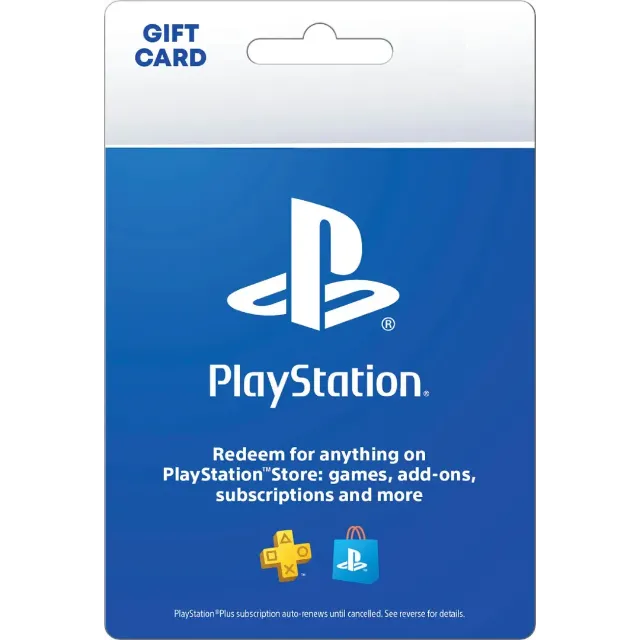
$25.00 US PlayStation Store Gift Card US United States Digital Code | Automatic Instant Delivery



Obtenga el artículo tal como se describe o le devolvemos su dinero.
Easily add funds to your account for PlayStation Network PlayStation Store. Redeem for Games, Virtual Currency / Add ons, Subscriptions
---
How to redeem a PlayStation Store voucher online
1. Go to PlayStation Store and select your profile at the top of the screen.
2. Select Redeem Code from the drop-down menu.
3. Carefully enter the 12-digit code and select Continue.
4. The credit or content is now applied to your account.
----
How to redeem a PlayStation Store voucher on PS5
1. Go to PlayStation Store and then press the triangle button to access the menu.
2. Select … (More) > Redeem Code.
3. Carefully enter the 12-digit code and select Redeem.
4. The credit or content is now applied to your account.
5. Select Download to start downloading (you can also download later). Download is not displayed for content that does not require a download.
You can also redeem a voucher code during checkout by selecting Redeem Codes and Gift Cards from the payment method menu.
---
How to redeem a PlayStation Store voucher on PS4
1. Go to PlayStation Store, scroll to the bottom of the sidebar and select Redeem Codes.
2. Carefully enter the 12-digit code and select Continue > Confirm or Yes.
3. The credit or content is now applied to your account.
4. Select Continue > Download to start downloading (you can also download later). Continue and Download are not displayed for content that does not require a download.
---
How to redeem a PlayStation Store voucher on PlayStation App
1. Select the PS Store icon and then select the menu icon from the right side of the screen.
2. Select Redeem Code.
3. Carefully enter the 12-digit code and select Continue.
4. The credit or content is now applied to your account.
Cargar Más...
Las preguntas son públicas y las hacen los usuarios, no Gameflip. Manténgase seguro al no compartir información personal como su nombre, información de pago y cuentas de plataformas de juegos.

Inicia sesión para comentar