Tài khoản gameSuper Mario Galaxy + Super Mario Galaxy 2 - Switch primary (Nintendo Switch Account) / Region GLOBAL
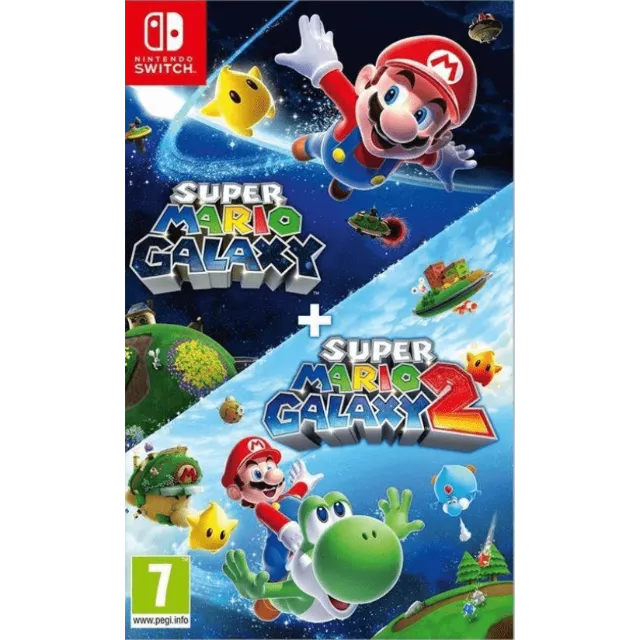

Super Mario Galaxy + Super Mario Galaxy 2 - Switch primary (Nintendo Switch Account) / Region GLOBAL

1-Go Configuration option from main menu.
2- User profile > Register user > Create a new user
3- Open Virtual Card menu > Press game profile > Press game > Options > Download data.
IMPORTANT: Once the account is created to download the game, you should not modify or delete any data. This account works like an inserted disc. If you delete it, it will not let you play. You can delete the account when you are not going to use the game and create it in the future as many times as you want
If Nintendo asks you for a security code, you can conta..ct me
Xem thêm...
Các câu hỏi được công khai và do người dùng đặt ra chứ không phải Gameflip. Giữ an toàn bằng cách không chia sẻ thông tin cá nhân như tên, thông tin thanh toán và tài khoản nền tảng trò chơi của bạn.