Tài khoản gamePSuper Mario Galaxy + Super Mario Galaxy 2 Nintendo Switch 2 - Switch Secondaire account
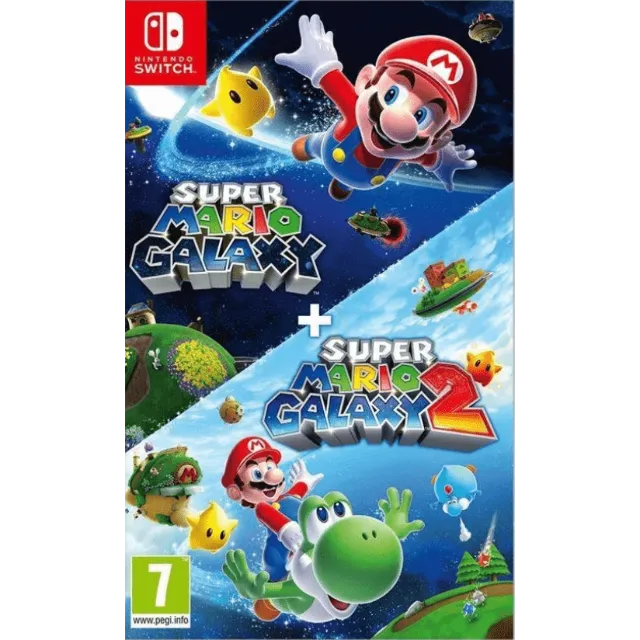
PSuper Mario Galaxy + Super Mario Galaxy 2 Nintendo Switch 2 - Switch Secondaire account


Nhận sản phẩm đúng như mô tả, nếu không bạn sẽ được hoàn lại tiền.
[WARNING: Stay safe! Deals made outside Gameflip aren’t protected. Always trade and chat within Gameflip.] [WARNING: Stay safe! Deals made outside Gameflip aren’t protected. Always trade and chat within Gameflip.] 1. Access Settings from the main menu.
2. User Profile > Register a User
3. Settings > User Profile > Select the Super Mario Galaxy game profile > Online License Settings and select YES.
4. Open the Virtual Map menu > Tap the game profile > Tap the game > Options > Download Data (not Load Virtual Map).
IMPORTANT: Once the account is created to download the game, you must not modify or delete any data. This account functions like an inserted disc. If you delete it, you will no longer be able to play. You can delete the account when you are not using the game and recreate it later as many times as you like.
If Nintendo asks you for a security code, you can contact me
Xem thêm...
Các câu hỏi được công khai và do người dùng đặt ra chứ không phải Gameflip. Giữ an toàn bằng cách không chia sẻ thông tin cá nhân như tên, thông tin thanh toán và tài khoản nền tảng trò chơi của bạn.

Đăng nhập để bình luận