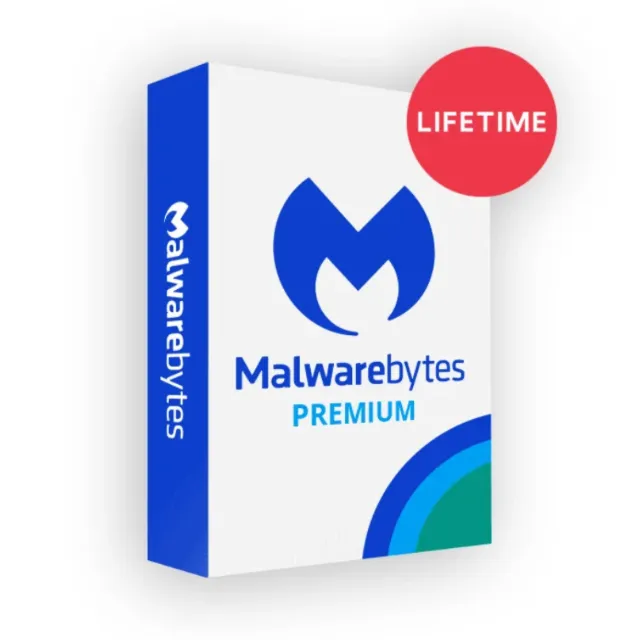
Malwarebytes Premium



Nhận sản phẩm đúng như mô tả, nếu không bạn sẽ được hoàn lại tiền.
Malwarebytes Premium
Only Works with Windows
You will get : ID + Key
Remediation Cleans infected device.
Protection Prevents virus. spyware. and malware infections
Stops ransomware attacks Shields programs and systems from hackers (Windows only)
Schedule scans to run automatically Safe web browsing
Detects bad apps
Automatic protection updates
Site: https://malwarebytes.com Dowload: https://www.malwarebytes.com/mwb-download/thankyou/
Open Malwarebytes by double-clicking on it's tray icon.
Click on "Activate License".
Fill in the product key.
Check the box "My license came with a License ID".
Fill in the license ID.
Click "Activate" and that's it.
You cannot register the key to your account. this can only be used on the software. This will work for lifetime period.
Note :
Can I move my license to a new PC? "Deactivate License" from your Malwarebytes account options tab. Then you are free to use the same license information to activate the software on another computer ASAP. Same process applicable for Formatted , Newly Installed or reinstalled Windows
If there is update don't install it. Just deactivate the key first then update it quickly. and activate the key quickly.
Only one computer can be activated with a license at a time. You will be unable to activate the software on a new computer without deactivating on the old one first.
Xem thêm...
Các câu hỏi được công khai và do người dùng đặt ra chứ không phải Gameflip. Giữ an toàn bằng cách không chia sẻ thông tin cá nhân như tên, thông tin thanh toán và tài khoản nền tảng trò chơi của bạn.

Đăng nhập để bình luận