
💻 VIRTUAL DESKTOP VR - OFFICIAL META QUEST CODE - UNLEASH YOUR PC! 🚀


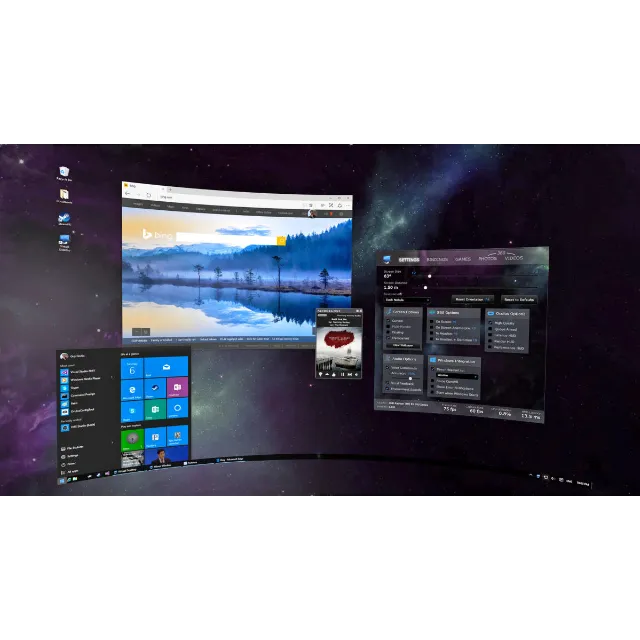
🖥️ Connect to your computer like never before! Virtual Desktop lets you wirelessly experience your entire PC in virtual reality. ⚡
Unlock the full potential of your Quest headset with this essential application. Stream PC VR games, watch movies in a virtual cinema, or simply browse the web on a massive screen from anywhere. Virtual Desktop is your portal to a world of content, all streamed seamlessly and wirelessly to your headset.
Unlock a World of Possibilities:
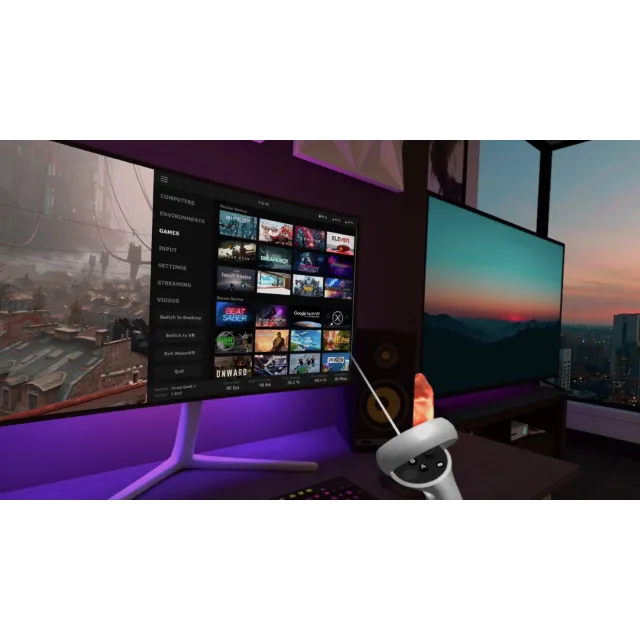
🚀 Wireless PC VR Streaming: Play your PC VR games from SteamVR and the Oculus Rift store without any cables! Experience top-tier titles with incredible freedom of movement.
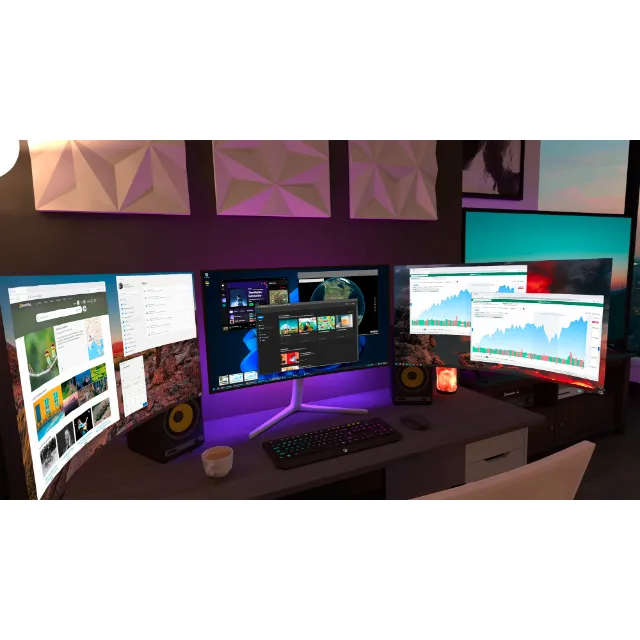
💻 Full Desktop Access: Get complete, low-latency remote access to your computer. Works with Windows, macOS, and Linux. Perfect for work, Browse, or anything you do on your PC.
🎬 Private Virtual Cinema: Watch your favorite movies and videos (including 3D and 360° content) in stunning, customizable virtual environments.
⚙️ Optimized for Performance: Features Synchronous Spacewarp (SSW) and multiple codecs to ensure a smooth, high-quality, and low-latency streaming experience.
✨ Mixed Reality & Passthrough: Use your computer and apps while still being aware of your physical surroundings with the passthrough feature.
🎮 Full Gamepad & Controller Support: Natively supports Bluetooth gamepads, and hand tracking is used to emulate a mouse.
What You Get with this Listing:
🔑 Official Virtual Desktop VR Meta Quest App Code: A genuine and legitimate code for the full application.
🔒 Secure & Verified: Your code is sourced reliably and is guaranteed to work for activation.
⚡ Instant Fast Delivery: Get your code delivered directly and swiftly after purchase to get connected!
🌍 Permanent Access in Your Library: Own Virtual Desktop forever in your Meta Quest account and receive all future updates.
***********How to Redeem Your Gift Code (Meta Quest Store):***********
Log into your account at meta.com.
Search for "Virtual Desktop VR".
On the app page, click the "More" button (three dots).
Select "Redeem gift".
Enter the code and confirm.
The app will be ready for download directly to your Quest library.
🌐 Ready to go wireless and unleash the true power of your PC and Quest? Grab your Virtual Desktop code now! 🌐
Message me for updates on other great Meta Quest apps and amazing deals!
Xem thêm...
Các câu hỏi được công khai và do người dùng đặt ra chứ không phải Gameflip. Giữ an toàn bằng cách không chia sẻ thông tin cá nhân như tên, thông tin thanh toán và tài khoản nền tảng trò chơi của bạn.