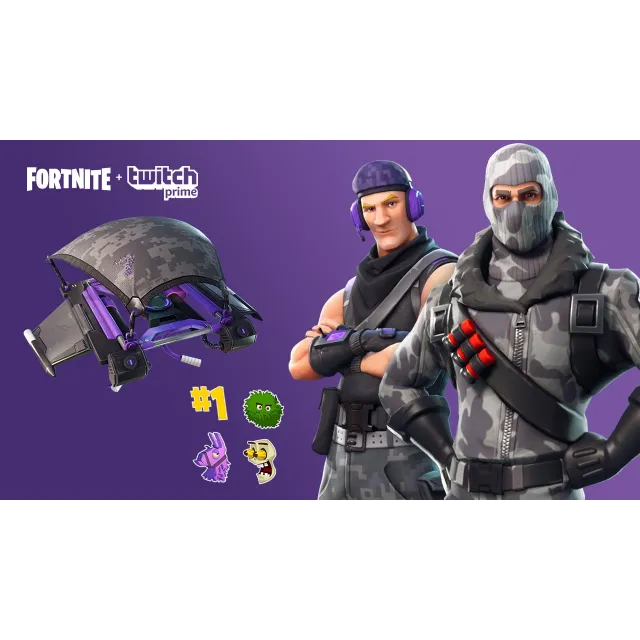

🔑 Fortnite: Prime Pack (all platforms)


You'll be receiving a twitch prime account in order to acquire the exclusive loot for Fortnite .
Step 1 Go to : https://www.epicgames.com/fortnite/en-US/twitch-prime-pack?lang=en-US
Step 2: Login to your Epic Games account
Step 3 : Click on " Have twitch prime
Step 4: link your Epic and Twitch accounts , Make sure you select the correct platform You Have. and complete the final steps to claim your content.
Step 5: Log in to Fortnite and get your Skin loot.
Note: You can only claim your loot on a single platform (PC, PlayStation 4 or Xbox One).
Xem thêm...
Các câu hỏi được công khai và do người dùng đặt ra chứ không phải Gameflip. Giữ an toàn bằng cách không chia sẻ thông tin cá nhân như tên, thông tin thanh toán và tài khoản nền tảng trò chơi của bạn.