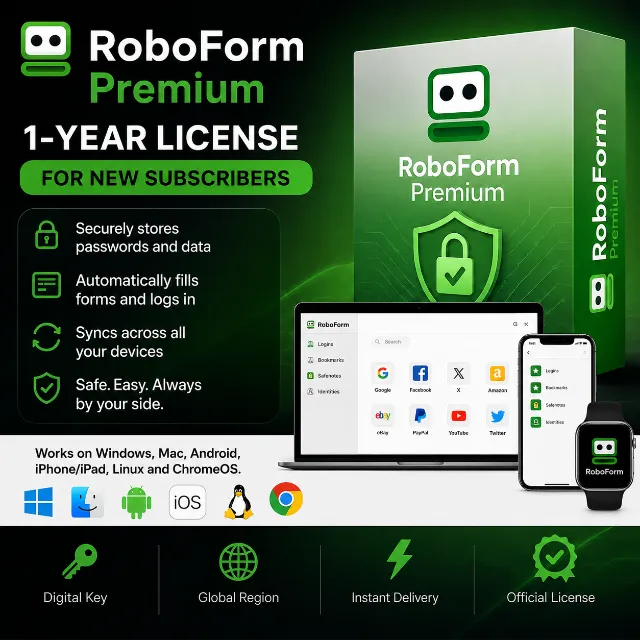

RoboForm Premium | 1 Year | License | For New Subscribers


Instant delivery

[WARNING: Stay safe! Deals made outside Gameflip aren’t protected. Always trade and chat within Gameflip.] Upon purchase, you will receive an activation key for a 1-year RoboForm Premium license.
***Please note: The key is valid only for new RoboForm subscribers. If you already have an active Premium or Business license, the key will not work on your account.***
You can use RoboForm Premium on Windows, Mac, Android, iPhone/iPad, Linux, and ChromeOS.
RoboForm Premium is a paid subscription for a password manager and web form filler. Put simply: while the free version limits you to a single device, Premium removes these restrictions and adds useful features for those who actively use multiple devices or share data with family and friends.
RoboForm Premium Benefits
- Multi-device synchronization. With Premium, you can use RoboForm simultaneously on a laptop, smartphone, and tablet—all your data stays in one place and is accessible everywhere.
- Advanced two-factor authentication (2FA) capabilities. It supports various methods: email, SMS, authenticator apps, Passkeys, trusted devices, and hardware security keys. The app also includes a built-in TOTP authenticator, so there is no need to install a separate app.
- Cloud backup. Your data is automatically saved to the cloud, enhancing security.
- Secure data sharing. You can share not only individual passwords but also entire folders with other users.
- All features from the free version. Password generator, password audit, change history, form autofill, offline access, and 256-bit AES encryption.
RoboForm Premium (like the basic version) supports a wide range of systems, devices, and browsers—this is one of its key features, especially for the Premium subscription, where synchronization across different devices is crucial.
Operating Systems
Windows — includes a dedicated desktop application plus browser extensions. macOS — desktop application and browser extensions.
Linux — works via browser extensions (no standalone native application).
Android — app on Google Play.
iOS — app on the App Store.
RoboForm extensions work on major desktop browsers:
Google Chrome
Mozilla Firefox
Microsoft Edge
Safari (on macOS)
Opera
Brave
Learn more at
https://www.roboform.com/premium
Download
https://www.roboform.com/download
Help with the program
https://help.roboform.com/hc/en-us/articles/115003333228-How-can-I-buy-RoboForm-Premium-as-a-gift
Key activation
1. Create an account
https://online.roboform.com/
2. Go to the key activation section
https://www.roboform.com/php/pums/activate-rf-code.php
3. Enter the purchased key and click Activate
4. Enter your details
If you wish to maintain your privacy,
you can use fake details from this site:
https://www.fakexy.com/
5. Your license is now activated
Enjoy using the application!
โหลดเพิ่ม...
คำถามเป็นแบบสาธารณะและถามโดยผู้ใช้ ไม่ใช่ Gameflip ปลอดภัยด้วยการไม่เปิดเผยข้อมูลส่วนบุคคล เช่น ชื่อ ข้อมูลการชำระเงิน และบัญชีแพลตฟอร์มเกมของคุณ
เข้าสู่ระบบเพื่อแสดงความคิดเห็น