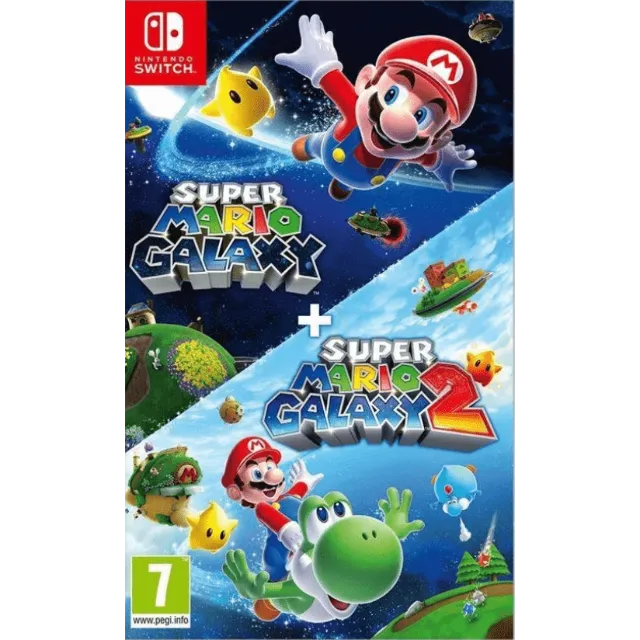
PSuper Mario Galaxy + Super Mario Galaxy 2 Nintendo Switch 2 - Switch Secondaire account


รับสินค้าตามที่อธิบายไว้หรือรับเงินคืน
[WARNING: Stay safe! Deals made outside Gameflip aren’t protected. Always trade and chat within Gameflip.] [WARNING: Stay safe! Deals made outside Gameflip aren’t protected. Always trade and chat within Gameflip.] 1. Access Settings from the main menu.
2. User Profile > Register a User
3. Settings > User Profile > Select the Super Mario Galaxy game profile > Online License Settings and select YES.
4. Open the Virtual Map menu > Tap the game profile > Tap the game > Options > Download Data (not Load Virtual Map).
IMPORTANT: Once the account is created to download the game, you must not modify or delete any data. This account functions like an inserted disc. If you delete it, you will no longer be able to play. You can delete the account when you are not using the game and recreate it later as many times as you like.
If Nintendo asks you for a security code, you can contact me
โหลดเพิ่ม...
คำถามเป็นแบบสาธารณะและถามโดยผู้ใช้ ไม่ใช่ Gameflip ปลอดภัยด้วยการไม่เปิดเผยข้อมูลส่วนบุคคล เช่น ชื่อ ข้อมูลการชำระเงิน และบัญชีแพลตฟอร์มเกมของคุณ

เข้าสู่ระบบเพื่อแสดงความคิดเห็น