ゲームアカウントSuper Mario Galaxy + Super Mario Galaxy 2 - Switch primary (Nintendo Switch Account) / Region GLOBAL
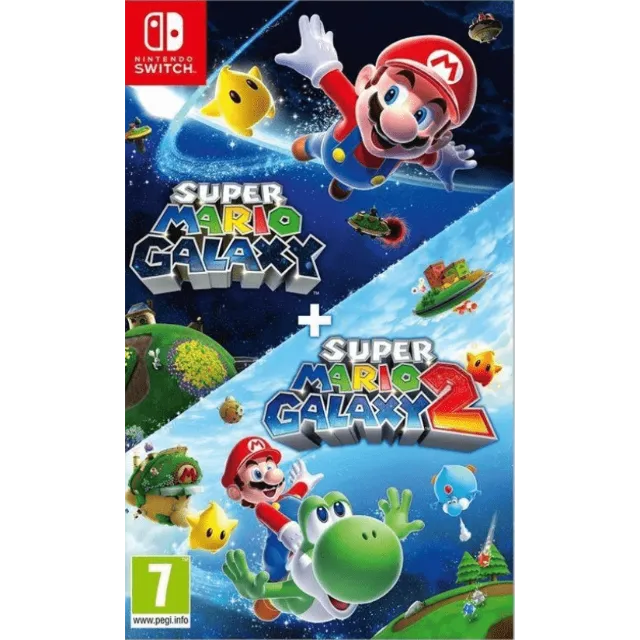

Super Mario Galaxy + Super Mario Galaxy 2 - Switch primary (Nintendo Switch Account) / Region GLOBAL
6 days ago

1-Go Configuration option from main menu.
2- User profile > Register user > Create a new user
3- Open Virtual Card menu > Press game profile > Press game > Options > Download data.
IMPORTANT: Once the account is created to download the game, you should not modify or delete any data. This account works like an inserted disc. If you delete it, it will not let you play. You can delete the account when you are not going to use the game and create it in the future as many times as you want
If Nintendo asks you for a security code, you can conta..ct me
もっと見る...
質問は公開されており、Gameflip ではなくユーザーによって行われます。名前、支払い情報、ゲーム プラットフォーム アカウントなどの個人情報を共有しないようにして、安全を確保してください。