ギフトカードMicrosoft Xbox PC Game Pass 3 month Membership | US United States | Digital Code | Automatic Instant Delivery
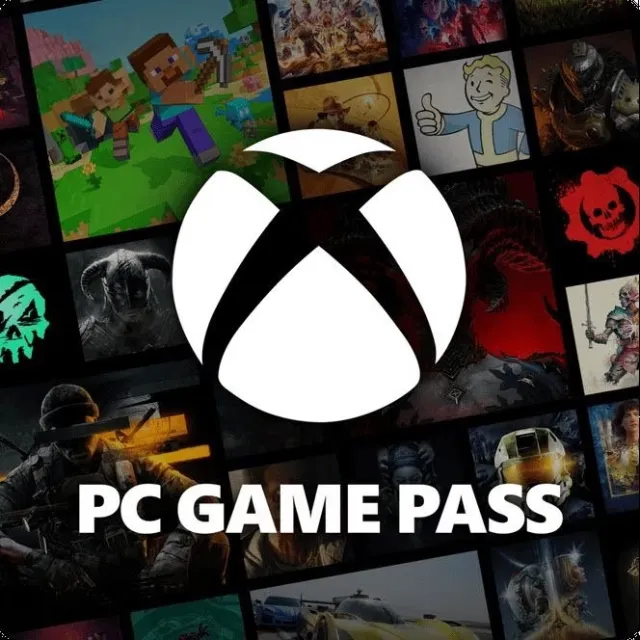
Microsoft Xbox PC Game Pass 3 month Membership | US United States | Digital Code | Automatic Instant Delivery



説明どおりの商品を受け取れない場合、返金いたします。
PC Game Pass is designed for PC players.
PC Game Pass
Play hundreds of high-quality PC games with friends on Windows PCs for one low monthly price.
Game Pass has PC games
Experience a huge variety of PC games from every genre, and with new games added all the time, there’s something for everyone to play.
Play games the same day they release
Use the Xbox app on PC to download and enjoy new games on day one from Bethesda Softworks, as well as iconic franchises from Xbox Game Studios, indie games, blockbusters, and PC favorites.
EA Play
An EA Play membership is included and gives you access to top Electronic Arts titles, exclusive rewards, and member-only content on PC.
Discounts on games
Get member discounts and deals on select games and game add-ons in the PC Game Pass library.
----
How to redeem a code in the Microsoft Store on Windows?
1. Press the Start button , and then enter store into the search bar.
2. Choose Microsoft Store from the results to open the app.
3. Select your account in the top-right corner of the screen, and then select Redeem code or gift cards.
4. Enter the 25-character code, select Next, and then follow the prompts.
How to redeem from website?
1. Go to the Xbox website (www.xbox.com) and sign in with your Xbox account email address and password.
2. Click on "Account" at the top right corner of the page and then click on "Redeem a code".
3. Enter your Xbox Game Pass code and click "Redeem".
4. Wait for the code to be redeemed and your subscription to be activated.
もっと見る...
質問は公開されており、Gameflip ではなくユーザーによって行われます。名前、支払い情報、ゲーム プラットフォーム アカウントなどの個人情報を共有しないようにして、安全を確保してください。

コメントのためにログイン