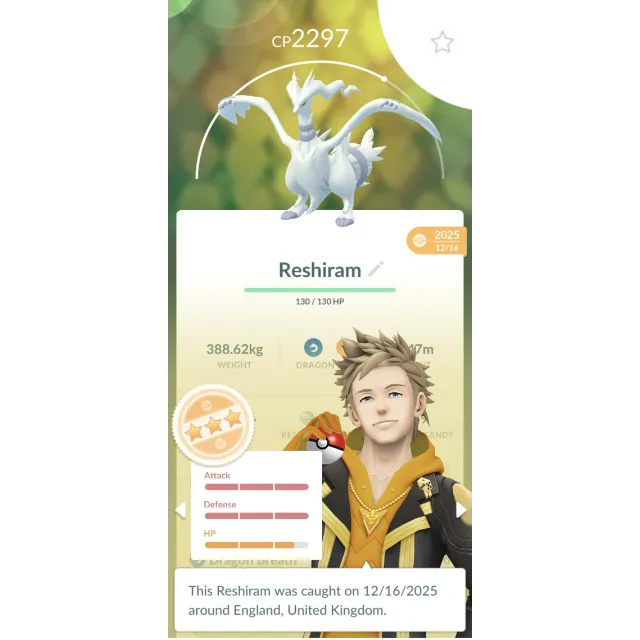
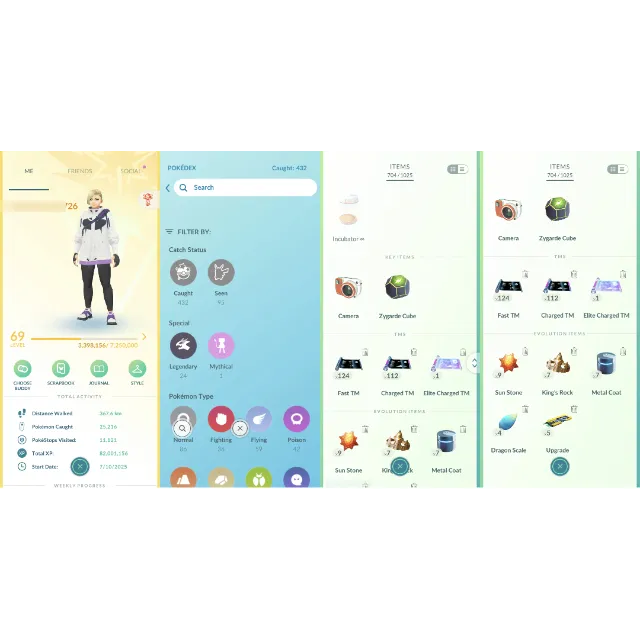
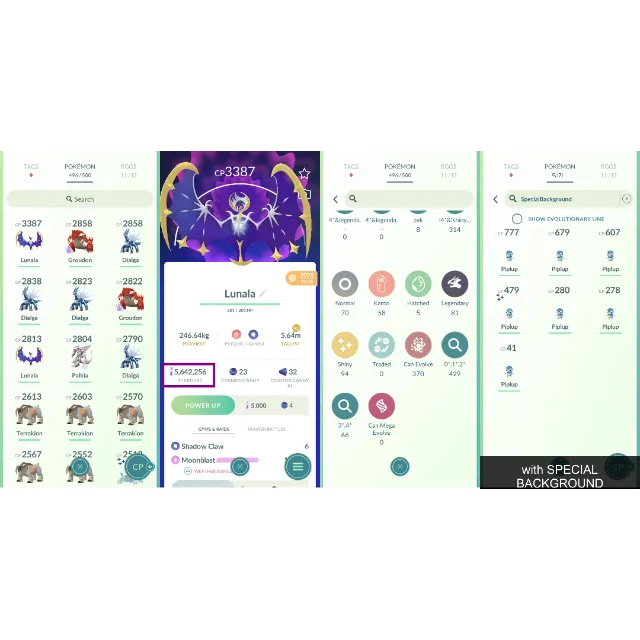
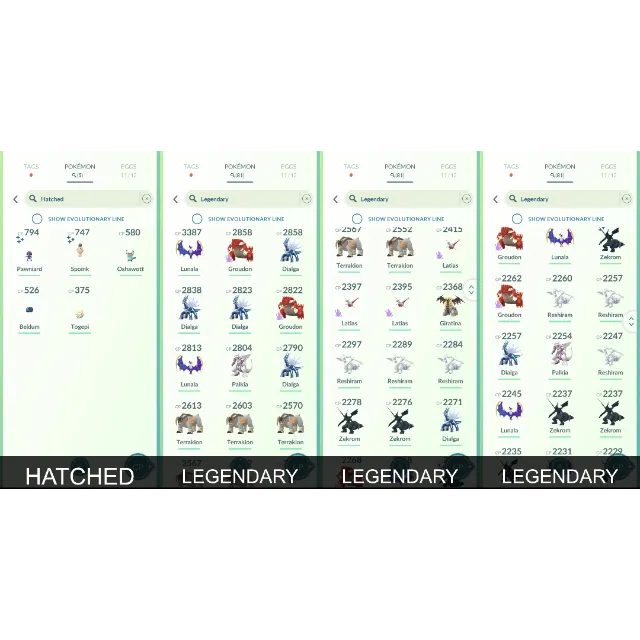
ゲームアカウントLevel 69 PoGo 🍭 5M Dust, 496 Ttal Pkm, 94 Shinies, 5 Shiny Legends, 9 100IVs Pkm, 81 Legendaries, Storage 500, 5 Hatched. o046

Level 69 PoGo 🍭 5M Dust, 496 Ttal Pkm, 94 Shinies, 5 Shiny Legends, 9 100IVs Pkm, 81 Legendaries, Storage 500, 5 Hatched. o046


[WARNING: Stay safe! Deals made outside Gameflip aren’t protected. Always trade and chat within Gameflip.] ...
======= POKEMON COLLECTION =======
Total Pokemon: 496
Hundo: 9
Shiny: 94
Legendary: 81
Shadow: 18
Costume: 68
Hatched: 5
======= ACCOUNT TRANSFER =======
1. Prepare your Gmail to link with this PoGO account.
2. On the mobile app, log in using the PTC provided.
3. At the Map view, tap Ball, then Settings, then Account. Link your Gmail.
4. Log out.
5. Log in one more time. This time use your Gmail you have just linked.
6. Go to Account Settings in the mobile app again. Unlink the old login methods (PTC and others).
You're good to go. The account is now secured.
It's important to go through thoses steps. Please do not try to change the email address because that can trigger the security mode of the account.
Enjoy the game! Feel free to give me 5 stars for the service. I appreciate that.
もっと見る...
質問は公開されており、Gameflip ではなくユーザーによって行われます。名前、支払い情報、ゲーム プラットフォーム アカウントなどの個人情報を共有しないようにして、安全を確保してください。