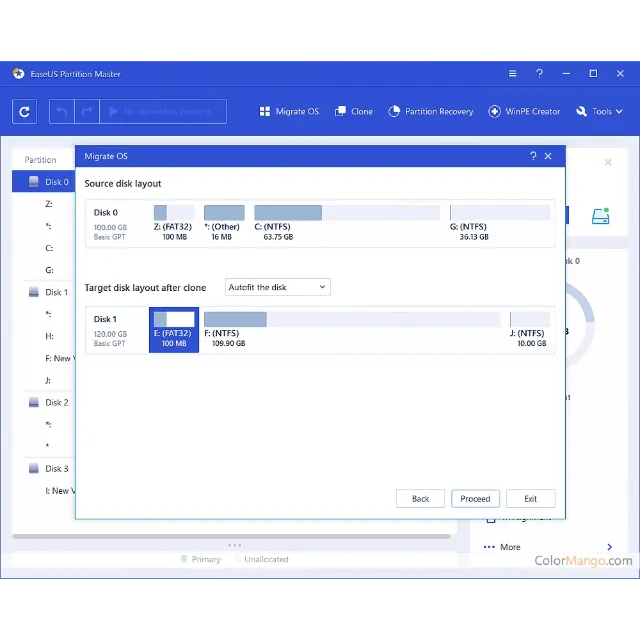
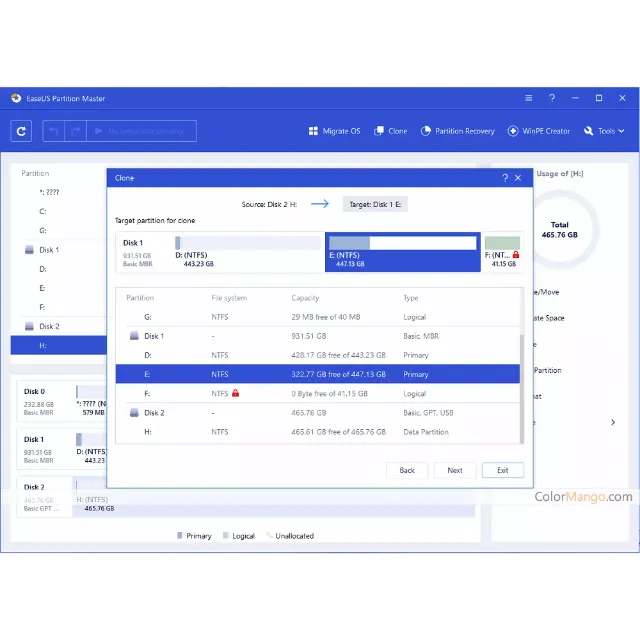
LifeTime Updates EaseUS Partition Master Professional Version 19.0 License Key Download



説明どおりの商品を受け取れない場合、返金いたします。
==> How To Create Partition With easeUS Partition master?
Right-click unallocated space, select "Create...". Set Partition Size, Drive Letter, Partition Label, and File System for the new partition and click "OK". Click "Execute Operation" and "Finish".
==> How To Extend Partition With easeUS Partition master?
To extend a partition, right-click the target partition, select "Resize/move". Drag the end of the partition into the unallocated space, click "OK". Click "Execute Operation", "Apply" and "Finish".
==> How To Format Partition With easeUS Partition master?
Right-click on the target partition that you tend to format, select "Format...". Set the File System as NTFS, FAT32, exFAT, EXT2/3/4, and click "OK". Click " Execute Operation", "Apply" and "Finish".
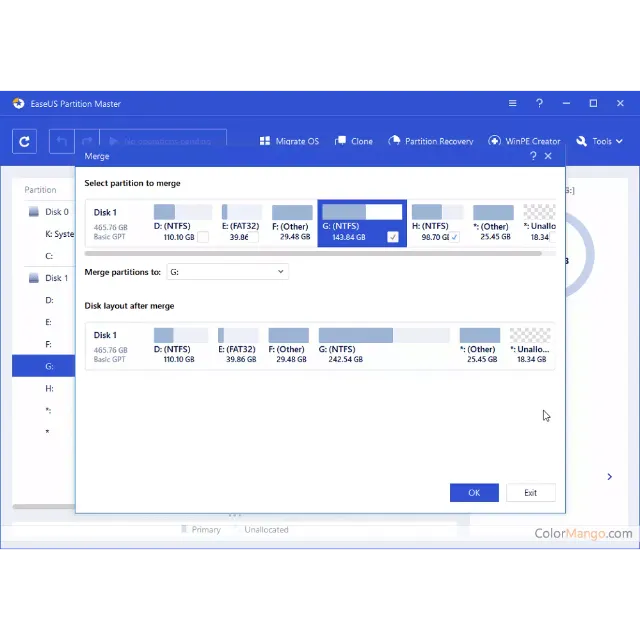
==> How To Merge Two Partitions With easeUS Partition master?
Right-click a partition with enough free space and select "Merge". Then select a target partition that you want to keep and click "OK". Click "Execute Operation", "Apply" and "Finish".
==> How to Find Hidden Partition or Hide Partition in Windows 10/8/7 ?
Option 1 - Hide Partition
Right-click the partition, and choose "Advanced". Select "Hide" from the drop-down menu.
Then you will see a window showing the notification. Read the instructions and click "Yes" to continue.
Click the "Execute 1 Task(s)" button in the top-left corner. Then, click "Apply" to hide your partition.
Option 2 - Unhide Partition
Right-click the partition you want to view and access. choose "Advanced" and select "Unhide" from the drop-down menu.
Read the instructions and click "Yes" to continue.
Click the "Execute 1 Task(s)" button in the top-left corner. Check the pending operations, then click "Apply" to unhide the partition on Windows 11/10/8/7.
==> How to Convert Primary Partition to Logical Partition ?
Right-click the partition you want to convert and choose the convert option:
1. Primary to Logical
2. Logical to Primary
Click the "Execute 1 Task" button and then choose "Apply" to begin the conversion.
==> How to Initialize SSD/HDD in Windows 10/8/7 ?
Step 1. Open EaseUS Partition Master and got to Partition Manager.
Step 2. Right-click the target disk - HDD or SSD and select "Initialize to MBR" or "Initialize to GPT". Click "Execute Task" and "Apply" to save the changes.
もっと見る...
質問は公開されており、Gameflip ではなくユーザーによって行われます。名前、支払い情報、ゲーム プラットフォーム アカウントなどの個人情報を共有しないようにして、安全を確保してください。

コメントのためにログイン