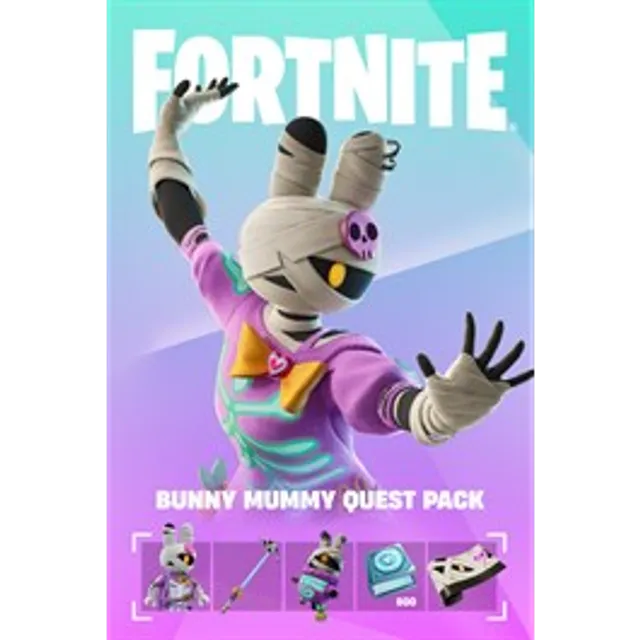

Fortnite - Bunny Mummy Quest Pack


転送目安 1日間

FORTNITE – BUNNY MUMMY QUEST PACK
PC / PLAYSTATION / MOBILE / XBOX
✅ DIRECT DELIVERY THROUGH XBOX/MICROSOFT
❌ NOT A CODE
The Bunny Mummy Quest Pack is purchased directly for your Fortnite account through Xbox/Microsoft using Microsoft Family.
You do NOT need to own an Xbox console to use this product.
🎮 IF YOU PLAY ON XBOX
If you play Fortnite on Xbox, your Xbox/Microsoft account is normally already connected to your Epic Games account.
After purchasing:
1️⃣ Join my Microsoft Family using the invitation provided after your purchase.
2️⃣ Make sure you join using the Xbox/Microsoft account connected to the Epic Games account you use for Fortnite.
3️⃣ Send me a message through the Gameflip order chat once you have joined.
4️⃣ I will purchase the Bunny Mummy Quest Pack for your account.
5️⃣ Once the purchase is completed, you can access the Quest Pack through Fortnite.
🖥️ IF YOU PLAY ON PC, PLAYSTATION OR MOBILE
You can also use this method even if you do not normally play on Xbox.
First, make sure your Epic Games account has an Xbox/Microsoft account connected.
Go to:
Epic Games Account → Connections
Look for Xbox.
✅ IF XBOX IS ALREADY CONNECTED
Perfect. We can use that Xbox/Microsoft account for the purchase.
❌ IF XBOX IS NOT CONNECTED
Do not create or connect another account immediately.
Your Epic Games account may require a check before a new Xbox connection can be added.
If your account allows a new connection, I can create an Xbox/Microsoft account and connect it to your Epic Games account for the delivery.
☁️ AFTER THE PURCHASE
If you normally play on PC, PlayStation or Mobile, open Fortnite through Xbox Cloud Gaming using the SAME Xbox/Microsoft account connected to your Epic Games account.
This allows Fortnite to recognize and synchronize the purchase with your Fortnite account.
After synchronization, you can continue playing normally on your usual platform.
🛒 HOW THE DELIVERY WORKS
1️⃣ Purchase this listing.
2️⃣ Join my Microsoft Family using the correct Xbox/Microsoft account.
3️⃣ Let me know through the Gameflip order chat once you are in the family.
4️⃣ I purchase the Bunny Mummy Quest Pack for your account.
5️⃣ Xbox players can use it normally.
6️⃣ PC, PlayStation and Mobile players should complete the Xbox Cloud Gaming synchronization step.
⚠️ IMPORTANT
• Xbox/Microsoft account required.
• Make sure the Xbox account is connected to the correct Epic Games account.
• This is not a code or gift card.
• No VPN is required.
• You do not need to give me your Epic Games password.
• You do not need to give me access to your PlayStation, PC or Mobile device.
• Please make sure you join my Microsoft Family with the correct account.
💬 AFTER PURCHASE
Join my Microsoft Family first.
Then send me a message through the Gameflip order chat and I will continue with the delivery.
もっと見る...
質問は公開されており、Gameflip ではなくユーザーによって行われます。名前、支払い情報、ゲーム プラットフォーム アカウントなどの個人情報を共有しないようにして、安全を確保してください。
コメントのためにログイン