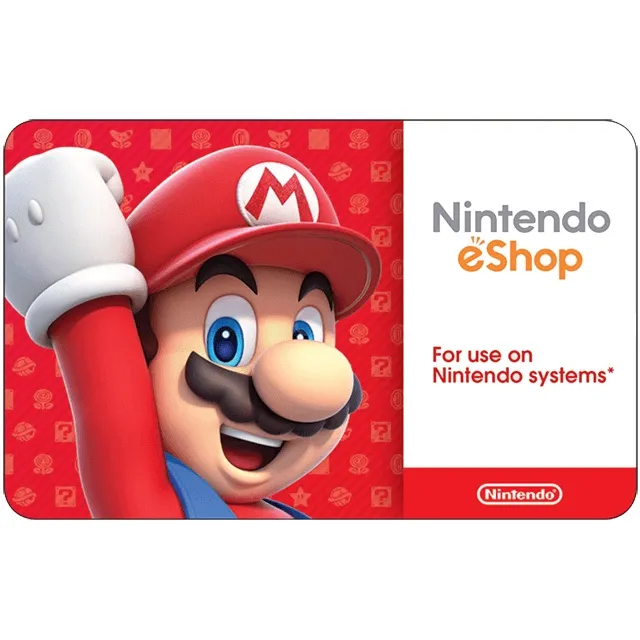

$100.00 Nintendo eShop


How to Redeem a Nintendo eShop Gift Card in Canada
1. Access the Nintendo eShop
• On your Nintendo Switch: Open the Nintendo eShop icon from the Home menu.
• On a browser: Go to https://ec.nintendo.com/redeem and sign in with your Nintendo Account.
2. Sign In (If Needed)
• Make sure you’re logged into the Nintendo Account where you want to redeem the funds.
3. Choose “Enter Code”
• On Switch: Select your user profile, scroll down the left-hand menu, and choose Enter Code.
• On the website: You’ll see a field to enter your code right away.
4. Enter Your 16-Digit Code
• Carefully type the code from your gift card or email.
• No spaces or dashes are required.
5. Confirm and Add Funds
• Select OK or Next to apply the balance to your account.
• The funds will be available immediately for purchasing games, DLC, or subscriptions (like Nintendo Switch Online).
もっと見る...
質問は公開されており、Gameflip ではなくユーザーによって行われます。名前、支払い情報、ゲーム プラットフォーム アカウントなどの個人情報を共有しないようにして、安全を確保してください。