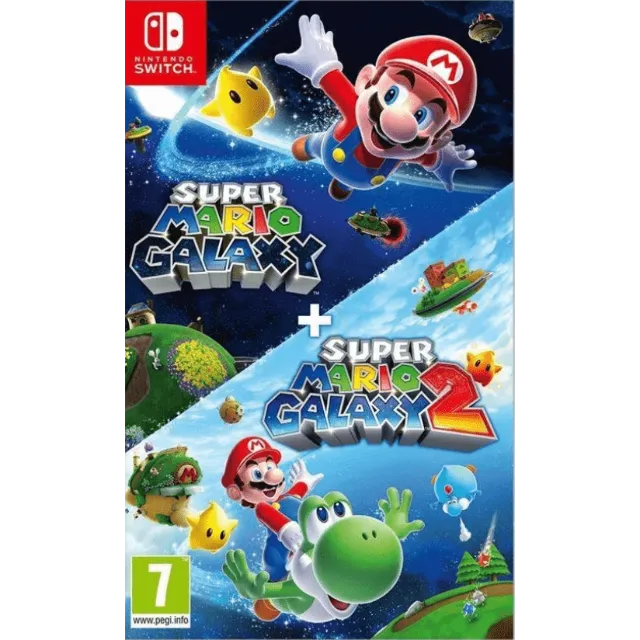
PSuper Mario Galaxy + Super Mario Galaxy 2 Nintendo Switch 2 - Switch Secondaire account


Erhalten Sie den Artikel wie beschrieben oder Ihr Geld zurück.
[WARNING: Stay safe! Deals made outside Gameflip aren’t protected. Always trade and chat within Gameflip.] [WARNING: Stay safe! Deals made outside Gameflip aren’t protected. Always trade and chat within Gameflip.] 1. Access Settings from the main menu.
2. User Profile > Register a User
3. Settings > User Profile > Select the Super Mario Galaxy game profile > Online License Settings and select YES.
4. Open the Virtual Map menu > Tap the game profile > Tap the game > Options > Download Data (not Load Virtual Map).
IMPORTANT: Once the account is created to download the game, you must not modify or delete any data. This account functions like an inserted disc. If you delete it, you will no longer be able to play. You can delete the account when you are not using the game and recreate it later as many times as you like.
If Nintendo asks you for a security code, you can contact me
Mehr laden...
Fragen sind öffentlich und werden von Benutzern gestellt, nicht von Gameflip. Bleiben Sie auf der sicheren Seite, indem Sie keine persönlichen Daten wie Ihren Namen, Zahlungsinformationen und Spielplattformkonten weitergeben.

Anmelden, um zu kommentieren